
AI product photo relighting
Relight product photos in a studio you never had to build
Upload phone shots of your products, pick one of eight studio setups, and get marketplace-ready photos with the product colour put back.
- Eight studio setups, from white sweep to rim light
- Colour restored and label checked after every render
- Up to 10 photos per batch, white-square and 4:5 exports
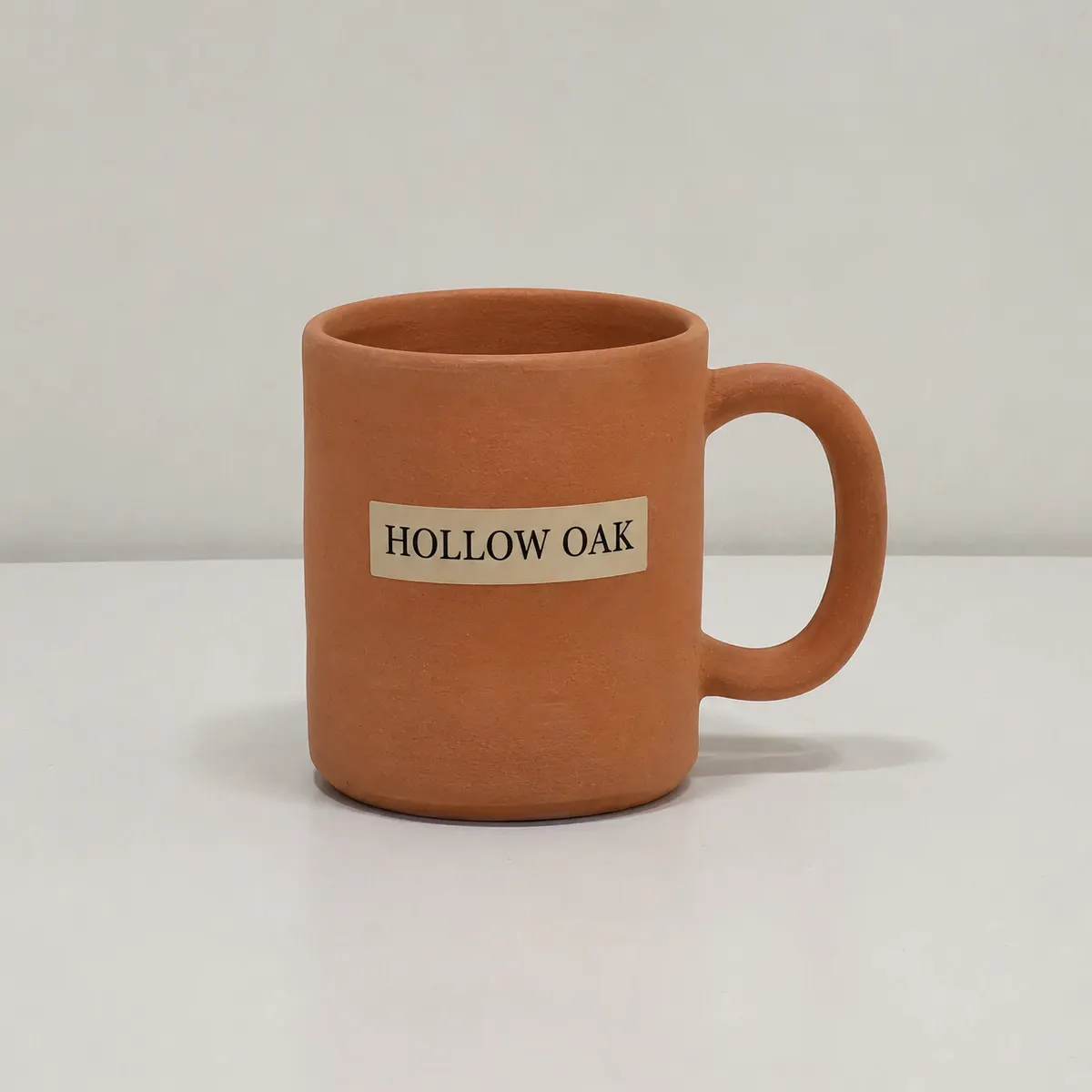
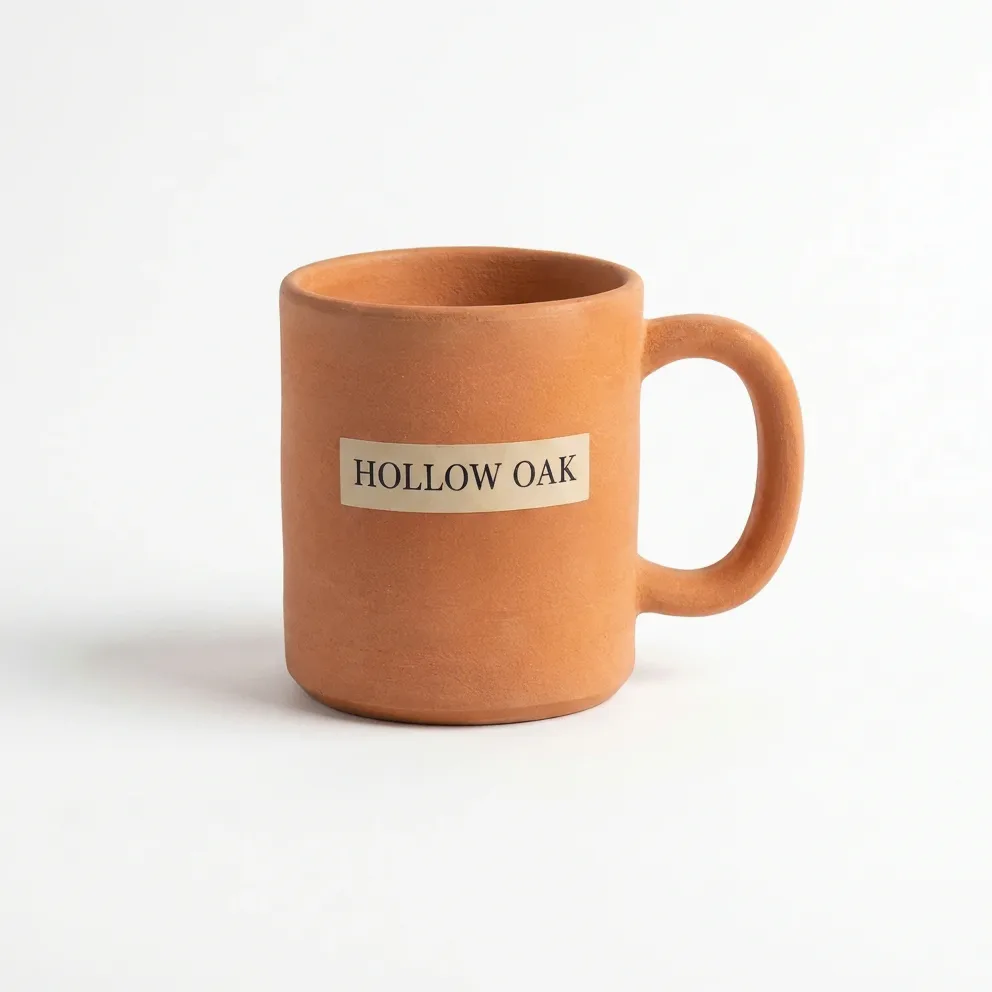 Phone shotWhite sweep
Drop up to 10 product photos here
JPG, PNG, WebP or HEIC, up to 20 MB each. Big photos are shrunk in your browser first.
Examples are real runs on AI-generated product photos with made-up brands. relightai.net is an independent service, not affiliated with Google or OpenAI.
The setup manual
Eight studio setups for product photos
Each plate shows where the key light stands and what the same mug looks like under it. Pick one in the studio, then move the key if you want.
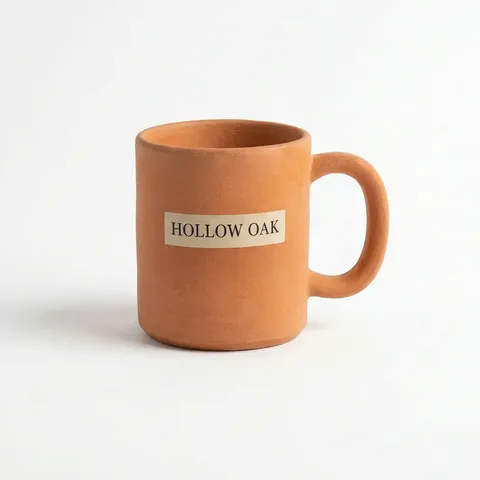
White sweep
Marketplace main images on clean white
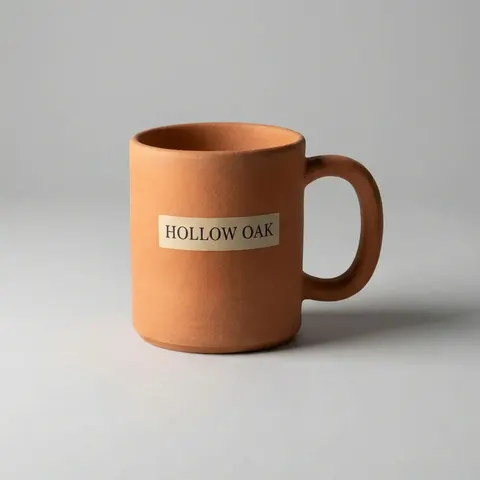
Key light 45°
The classic product look with gentle shape
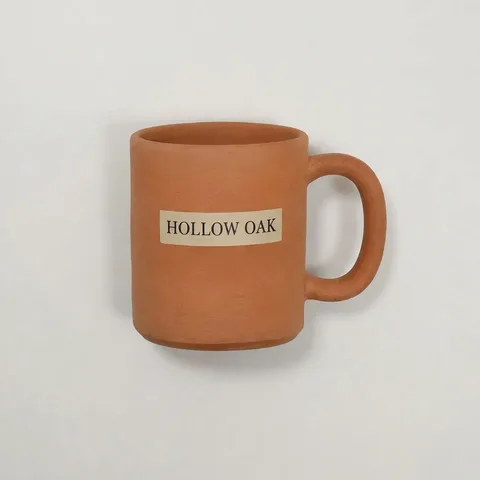
Top-down
Flat lays of clothing, food and sets
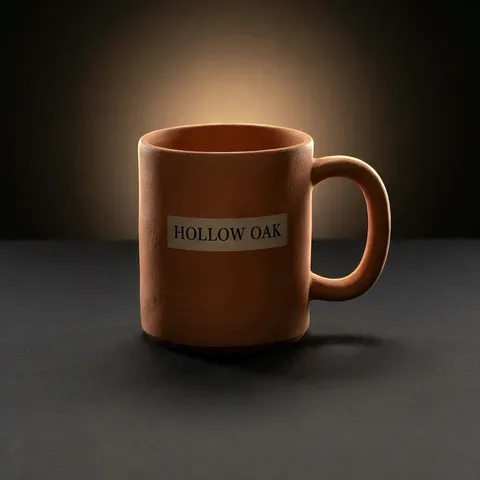
Rim light
Dark, glossy or glass products
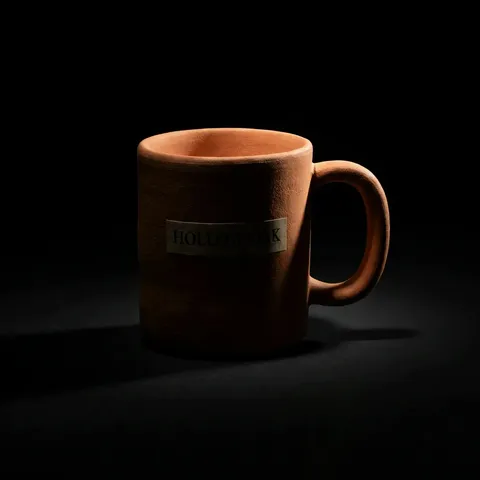
Low key
Moody, premium hero shots

Window light
Natural lifestyle shots

Colour gel
Bold ads with one coloured light
Choose orange, blue, magenta or teal.

High key
Bright, airy beauty and skincare
Colour kept
The light changes. The product does not.
Image models shift colours and redraw small print. Two checks run in your browser after every relight so a listing never shows the wrong colour.
Colour restore
Inside the product's cut-out, the colour is moved back to your original while the new light and shadows stay. A swatch shows original, AI and restored, and one click shows the raw output.
Label check
The edges of the printed area are compared with your original. If text or a logo was redrawn, the result is flagged with a side-by-side zoom. It flags; it does not repair.
Both checks run on relights that keep the framing. Gels and strong coloured light change colour on purpose; glass and chrome are approximate.
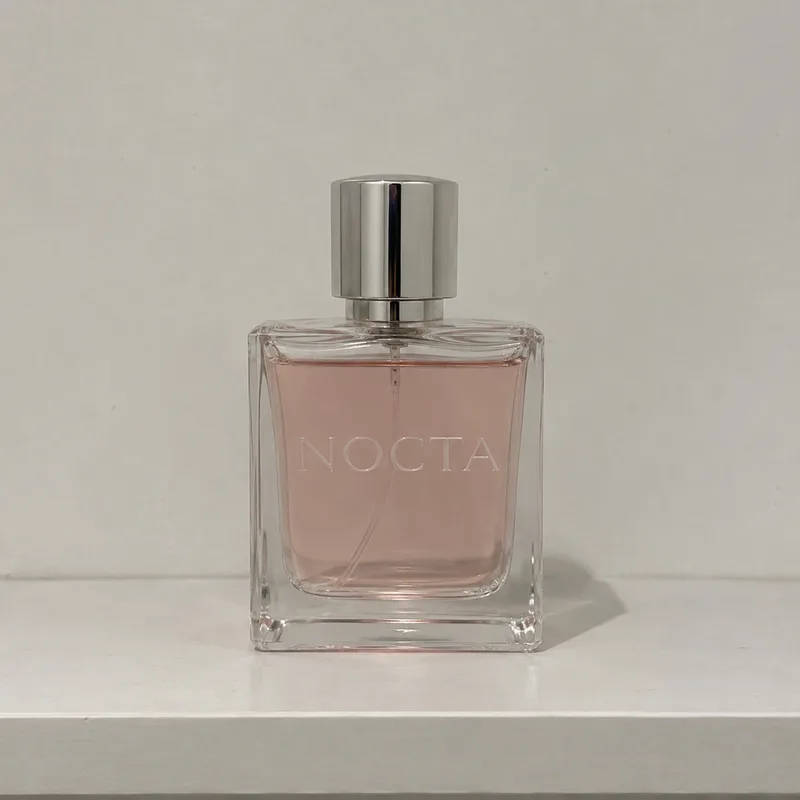
Original
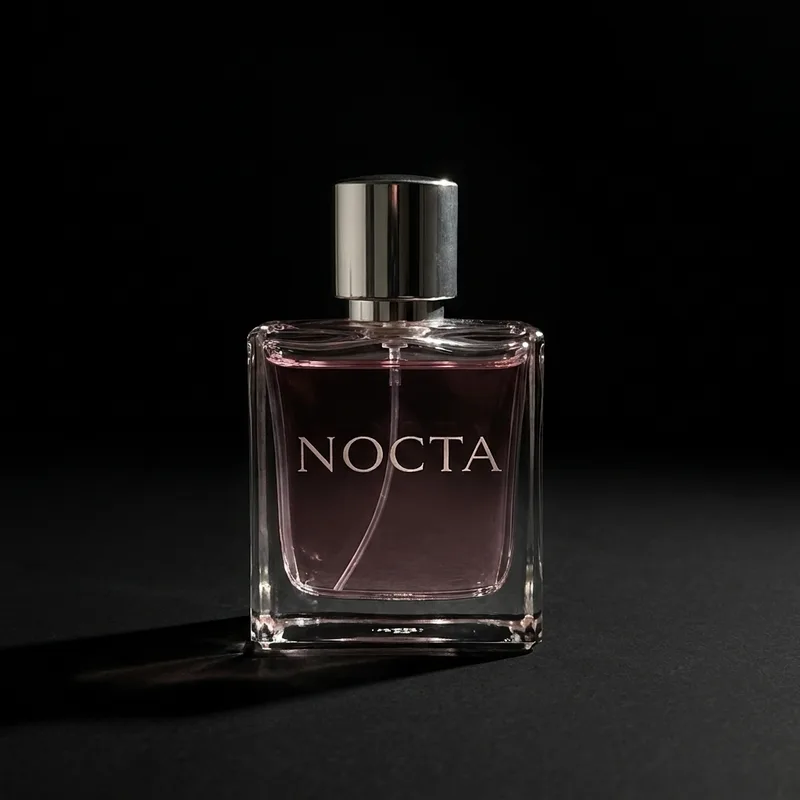
AI output
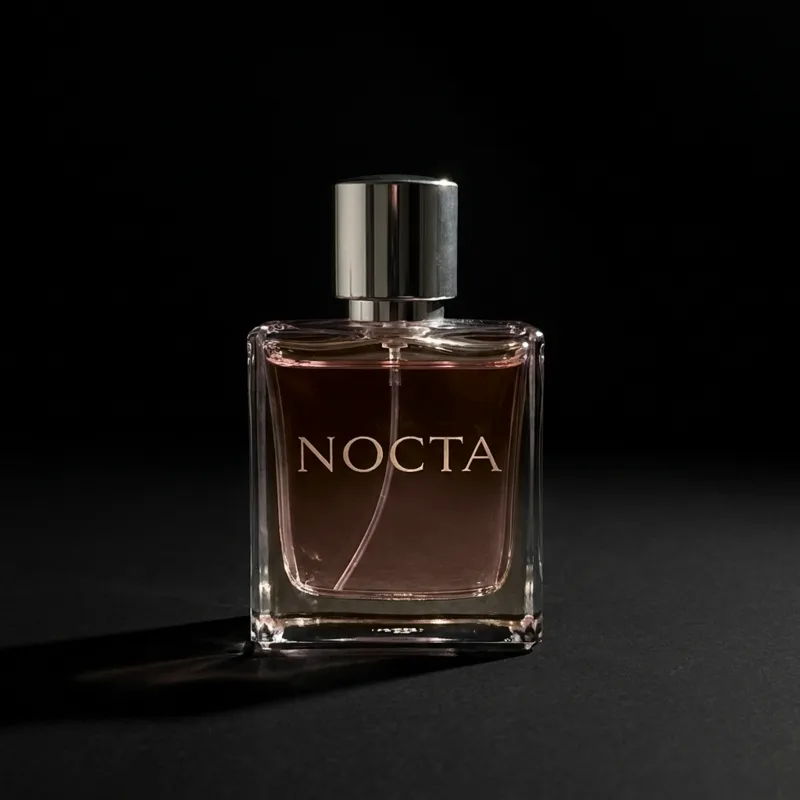
Restored
Before and after
Real relights of phone snapshots
Each pair is an AI-generated product snapshot with a made-up brand, relit once and left untouched. Drag the light to compare.
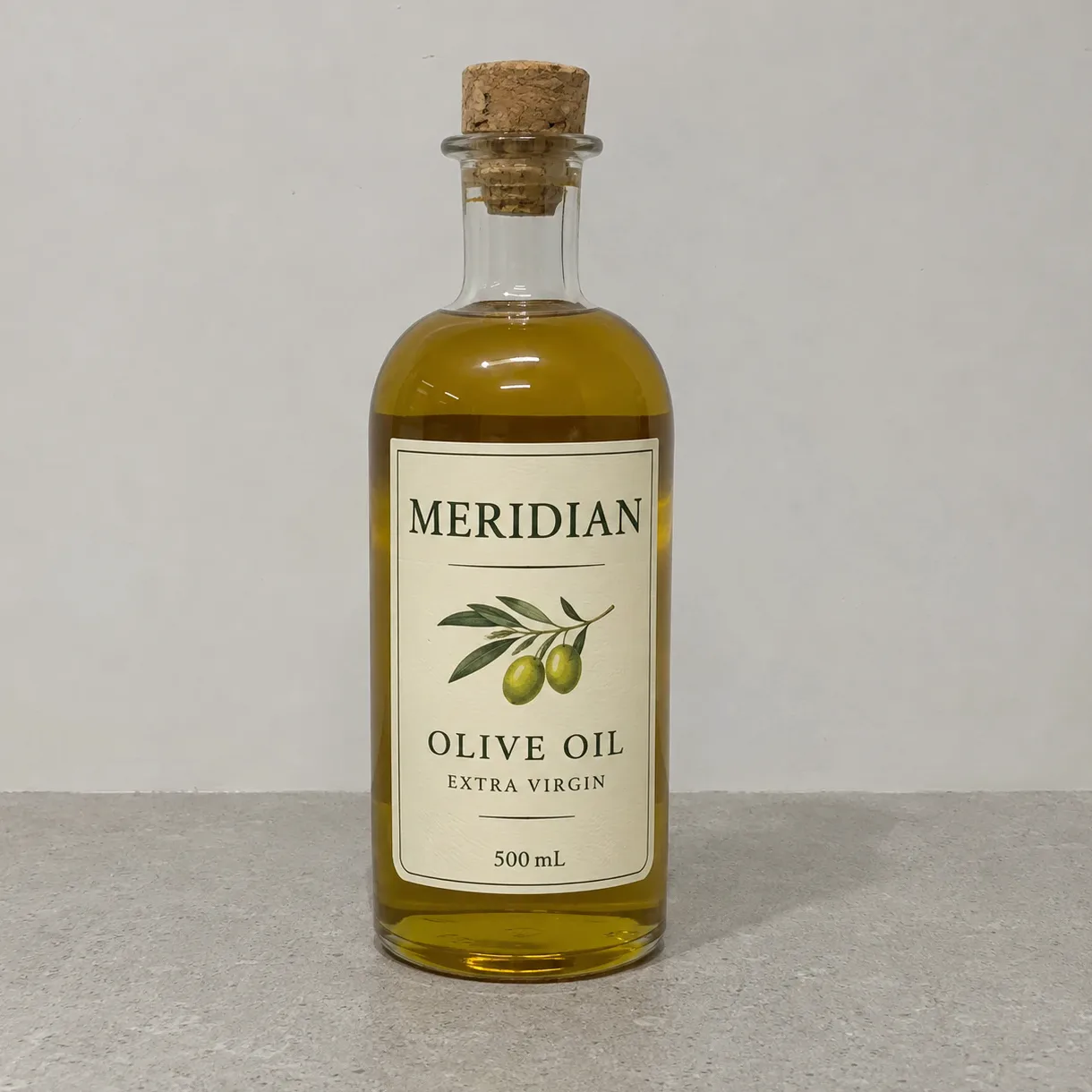
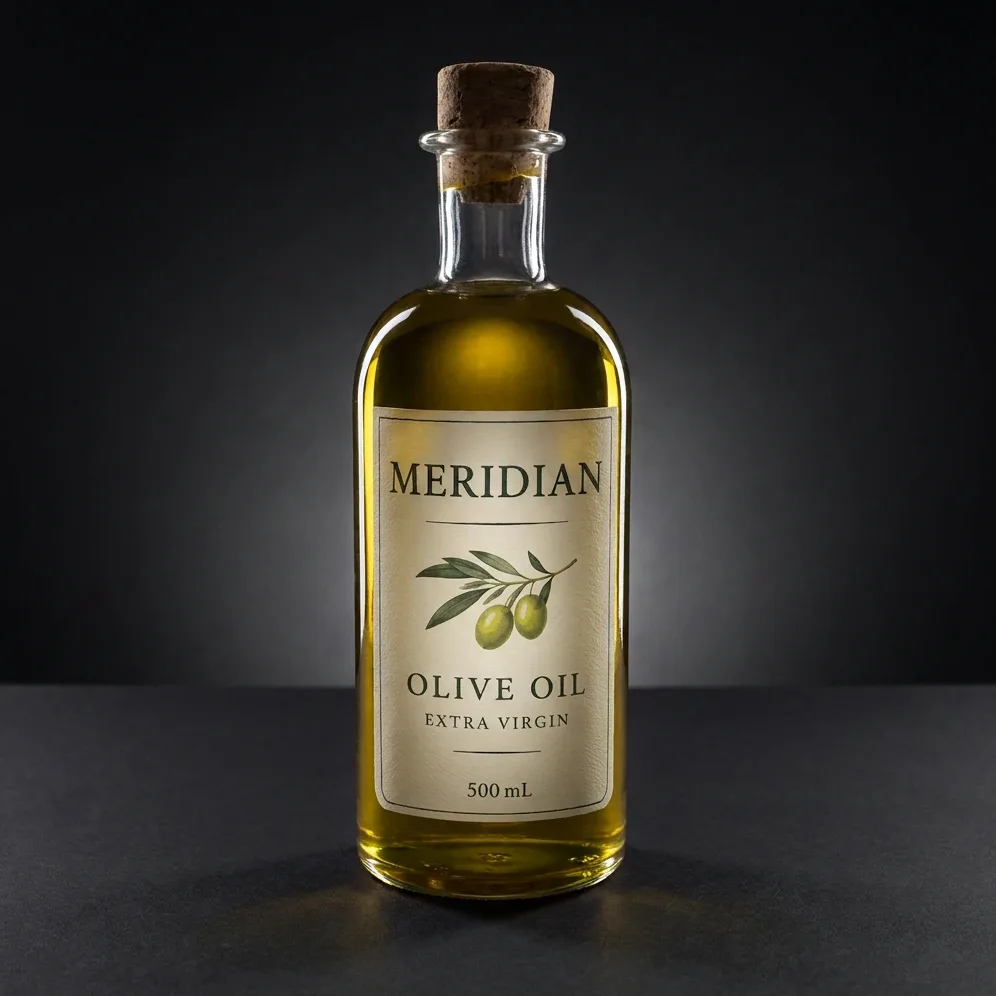 Phone shotRim light
Olive oil bottle · Rim light
Show the prompt
Relight this product photo as a professional studio product shot with two edge lights behind the product that draw a thin bright outline around its sides, with a low front fill so the front still reads, the look for dark or glossy products. The key light comes from behind the product, towards the camera, at the product’s own height. Add a soft contact shadow right under the product where it touches the surface, grounding it. Replace the background with a dark charcoal seamless background, and place the product on it as in a studio. Change only the light, shadows, highlights and reflections. Keep the product exactly as it is: its shape, proportions, colours, materials, printed label, logo and every letter of its text. Keep the camera angle and framing. Add no new objects, people, text or watermarks, and show no lights, stands, softboxes or other studio equipment in the frame.
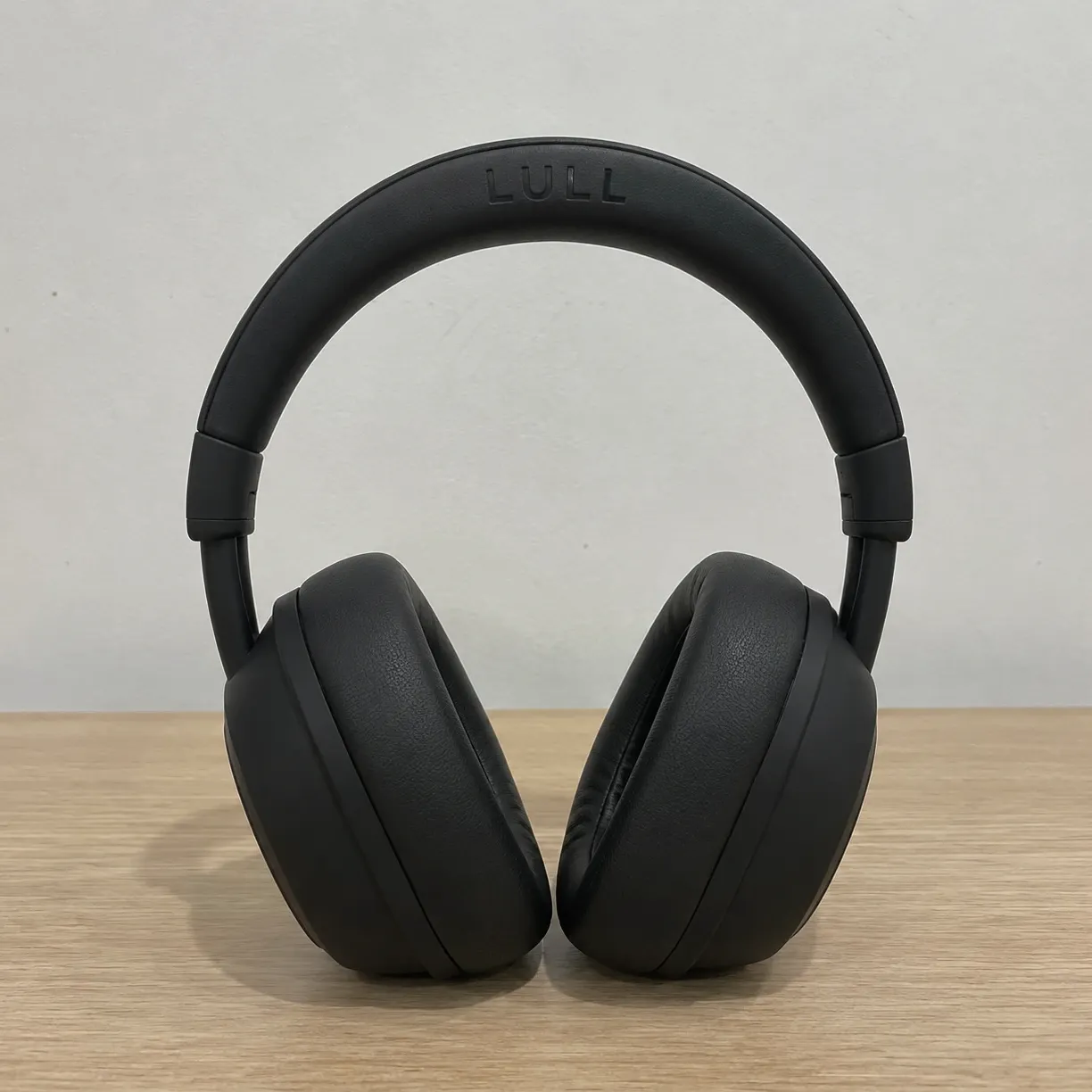
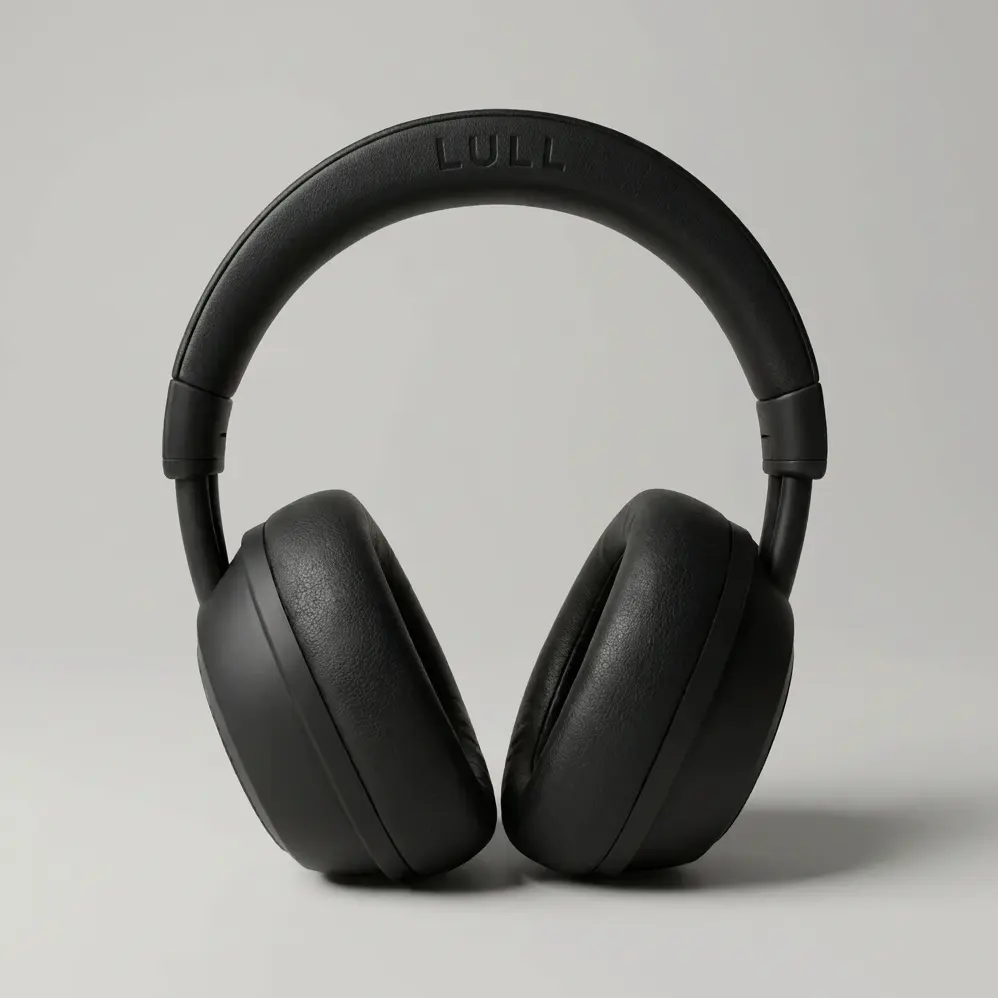 Phone shotKey light 45°
Headphones · Key light 45°
Show the prompt
Relight this product photo as a professional studio product shot with a classic product key light at 45 degrees with a gentle falloff across the product and a low fill on the shadow side. The key light comes from the left of the camera, at the product’s own height. Add a soft contact shadow right under the product where it touches the surface, grounding it. Replace the background with a seamless light neutral grey paper sweep, and place the product on it as in a studio. Change only the light, shadows, highlights and reflections. Keep the product exactly as it is: its shape, proportions, colours, materials, printed label, logo and every letter of its text. Keep the camera angle and framing. Add no new objects, people, text or watermarks, and show no lights, stands, softboxes or other studio equipment in the frame.
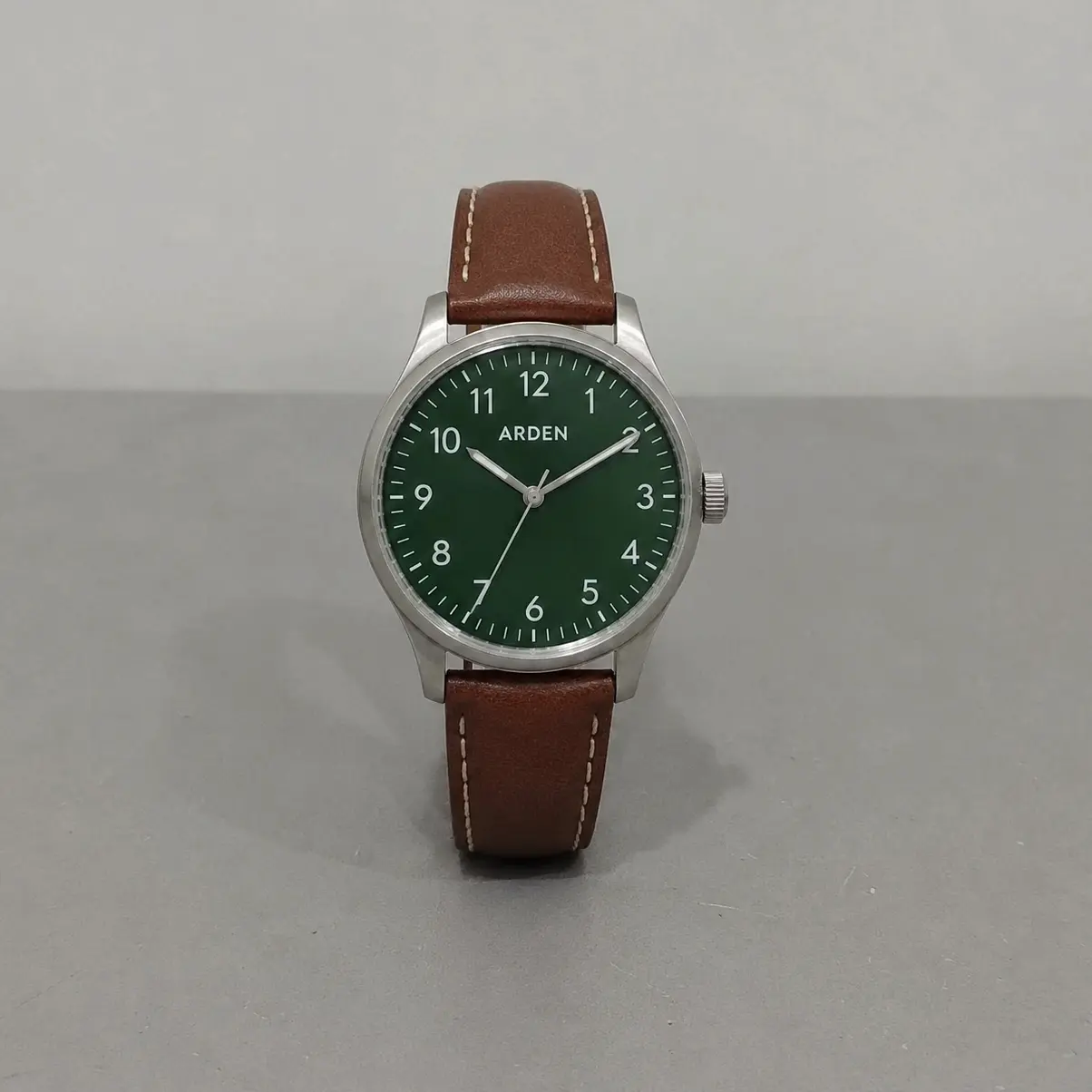
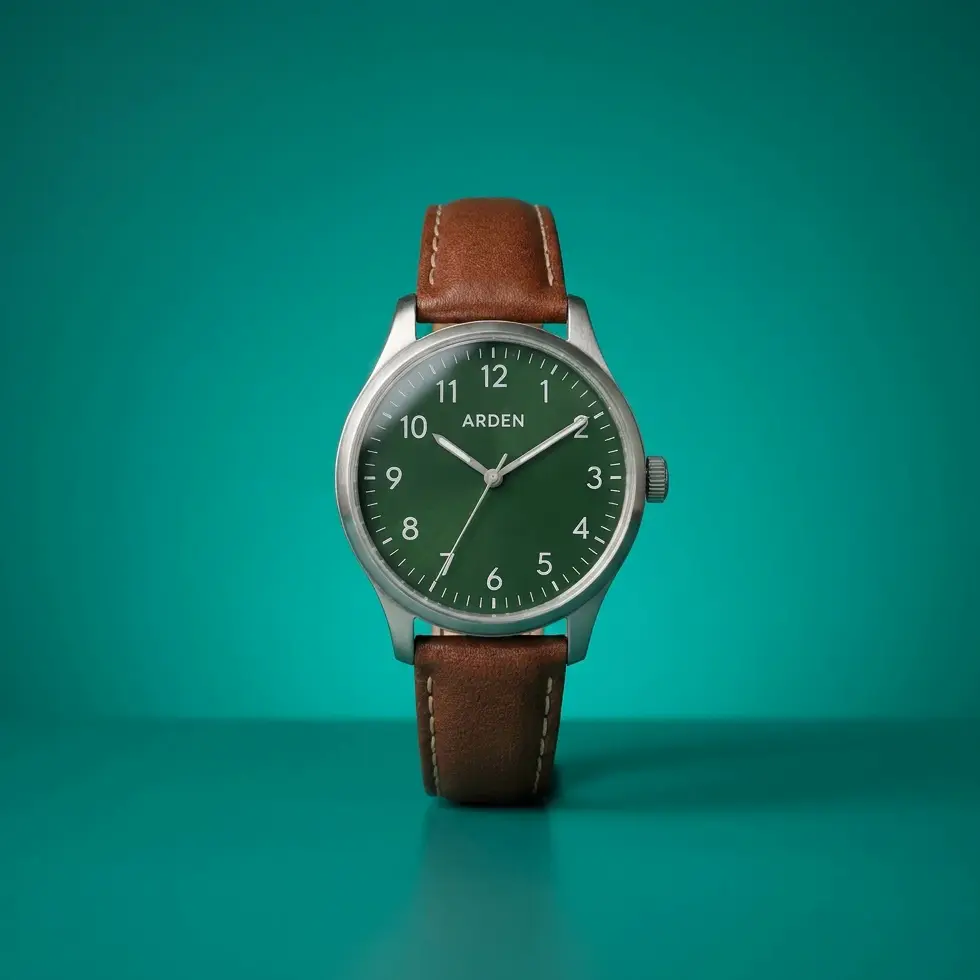 Phone shotColour gel
Wristwatch · Colour gel
Show the prompt
Relight this product photo as a professional studio product shot with one teal gel light behind the product tinting the background, with a neutral white key on the product itself so its own colours stay true. The key light comes from the right of the camera, at the product’s own height. Add a soft contact shadow right under the product where it touches the surface, grounding it. Replace the background with a seamless background washed in teal gel light, and place the product on it as in a studio. Change only the light, shadows, highlights and reflections. Keep the product exactly as it is: its shape, proportions, colours, materials, printed label, logo and every letter of its text. Keep the camera angle and framing. Add no new objects, people, text or watermarks, and show no lights, stands, softboxes or other studio equipment in the frame.
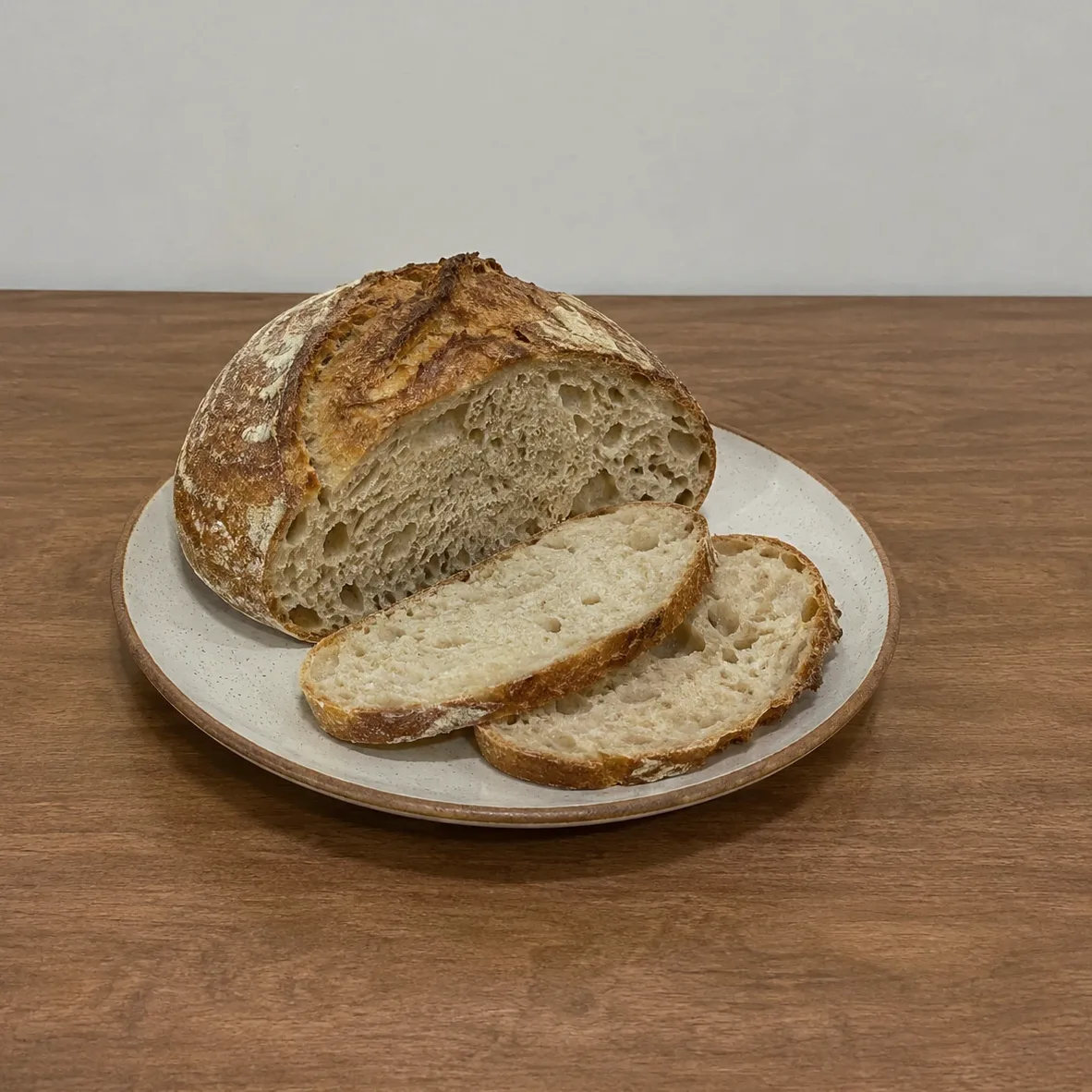
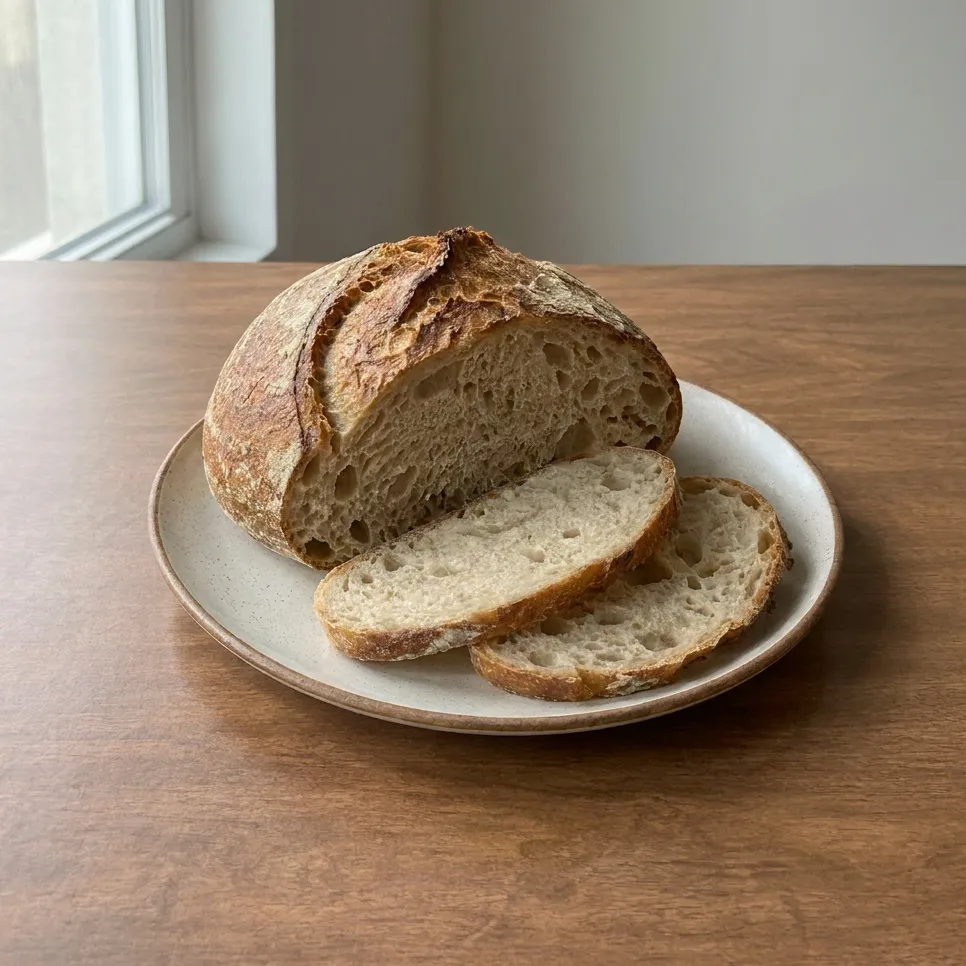 Phone shotWindow light
Sourdough loaf · Window light
Show the prompt
Relight this product photo as a professional studio product shot with soft natural daylight from a large window on one side, falling off gently across the product, with a soft shadow. The key light comes from the left of the camera, at the product’s own height. Add a soft-edged cast shadow falling away from the key light onto the surface. Keep the photo’s own background and setting; only its light changes to match. Change only the light, shadows, highlights and reflections. Keep the product exactly as it is: its shape, proportions, colours, materials, printed label, logo and every letter of its text. Keep the camera angle and framing. Add no new objects, people, text or watermarks, and show no lights, stands, softboxes or other studio equipment in the frame.
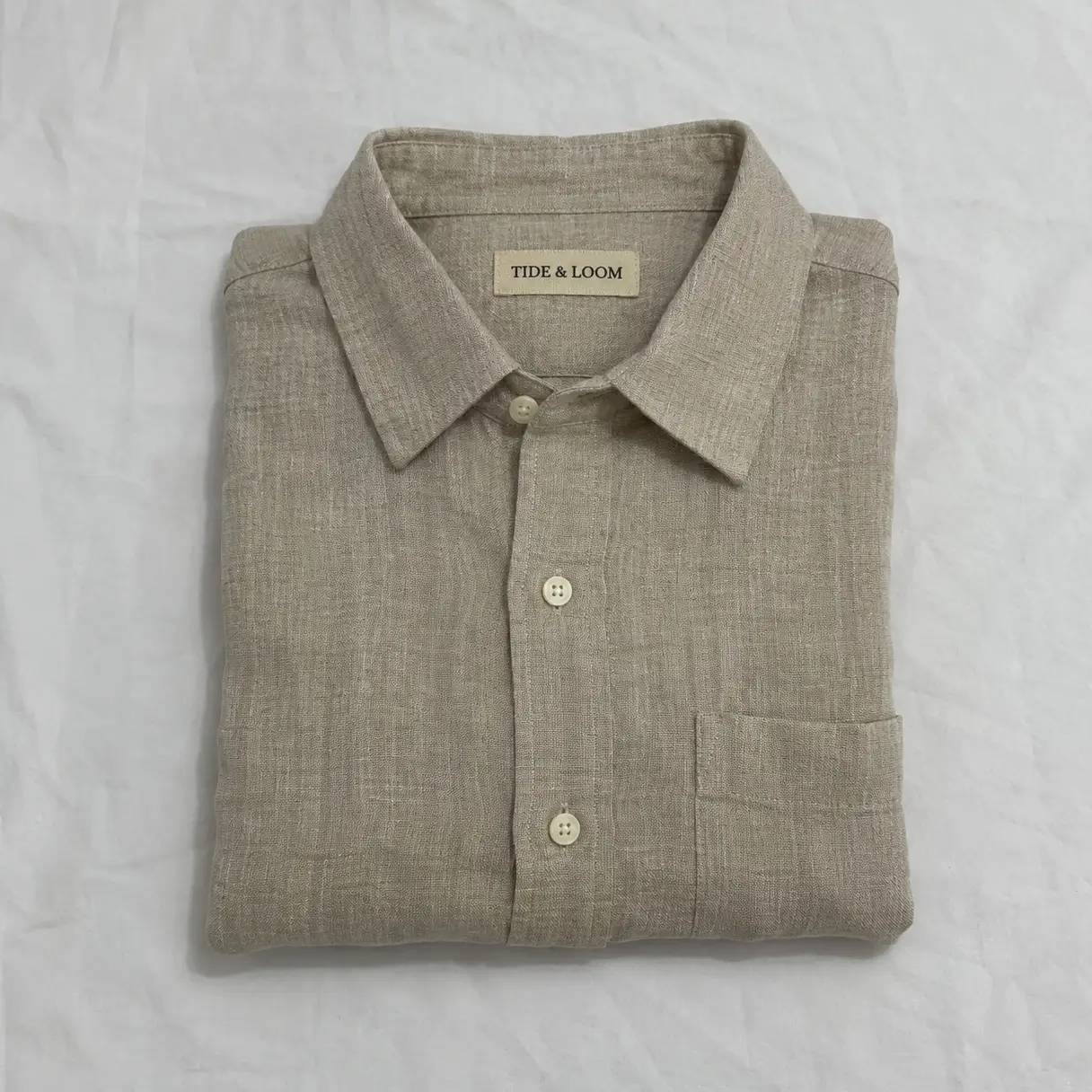
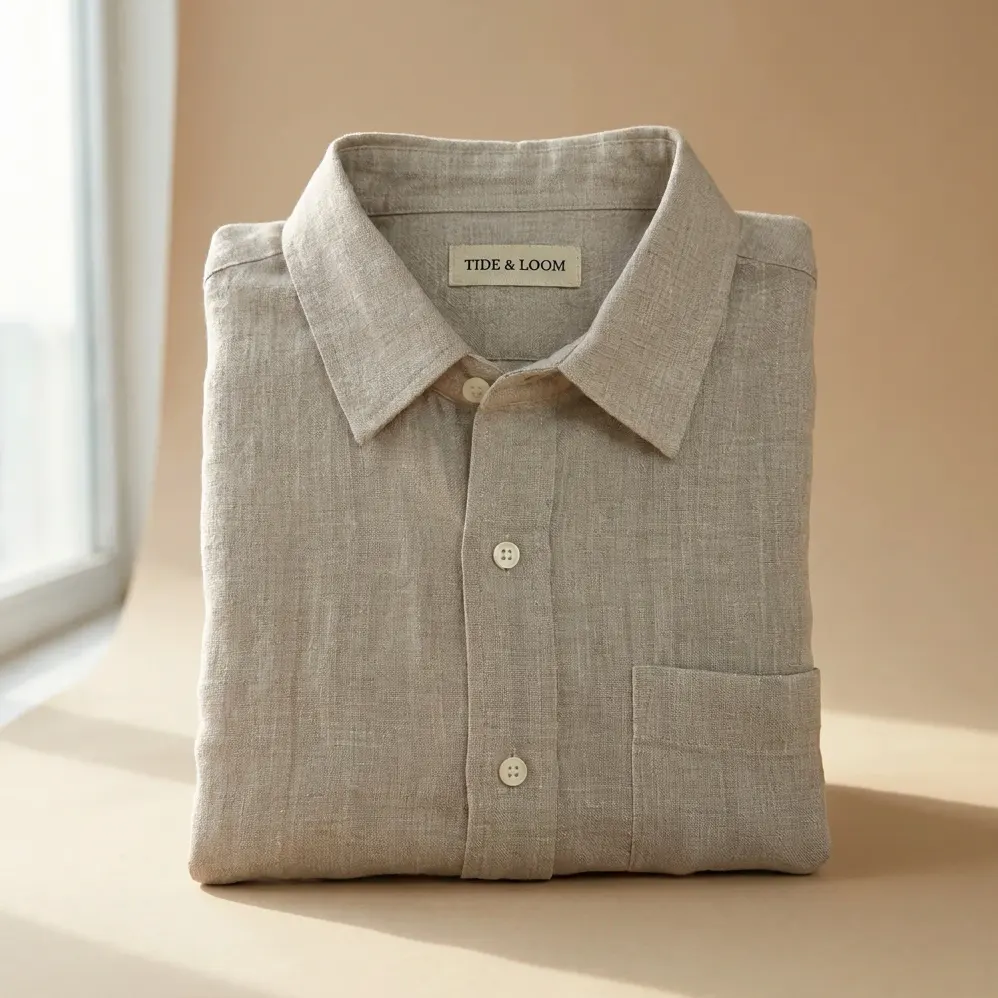 Phone shotWindow light
Linen shirt · Window light
Show the prompt
Relight this product photo as a professional studio product shot with soft natural daylight from a large window on one side, falling off gently across the product, with a soft shadow. The key light comes from the left of the camera, at the product’s own height. Add a soft contact shadow right under the product where it touches the surface, grounding it. Replace the background with a seamless warm sand beige paper sweep, and place the product on it as in a studio. Change only the light, shadows, highlights and reflections. Keep the product exactly as it is: its shape, proportions, colours, materials, printed label, logo and every letter of its text. Keep the camera angle and framing. Add no new objects, people, text or watermarks, and show no lights, stands, softboxes or other studio equipment in the frame.
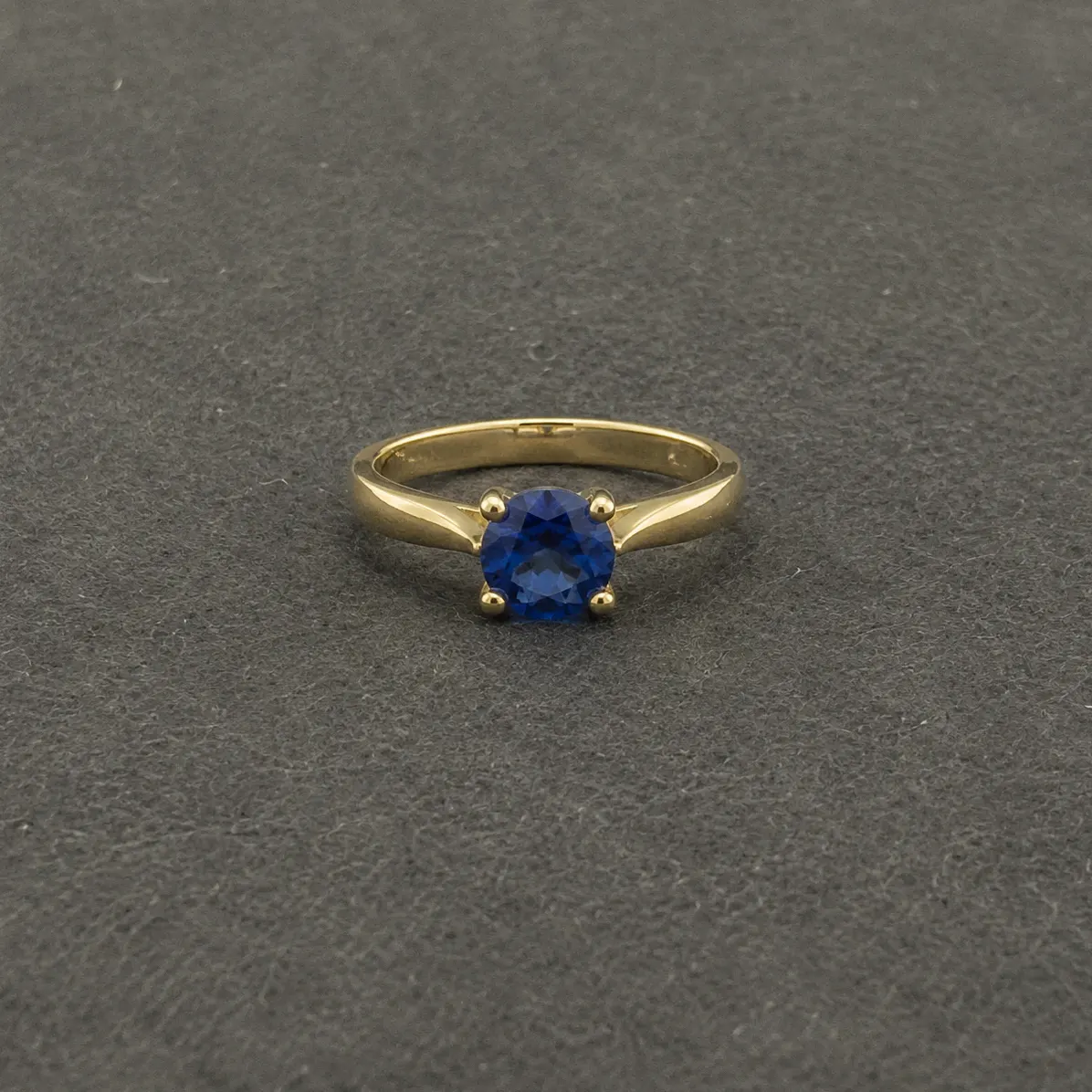
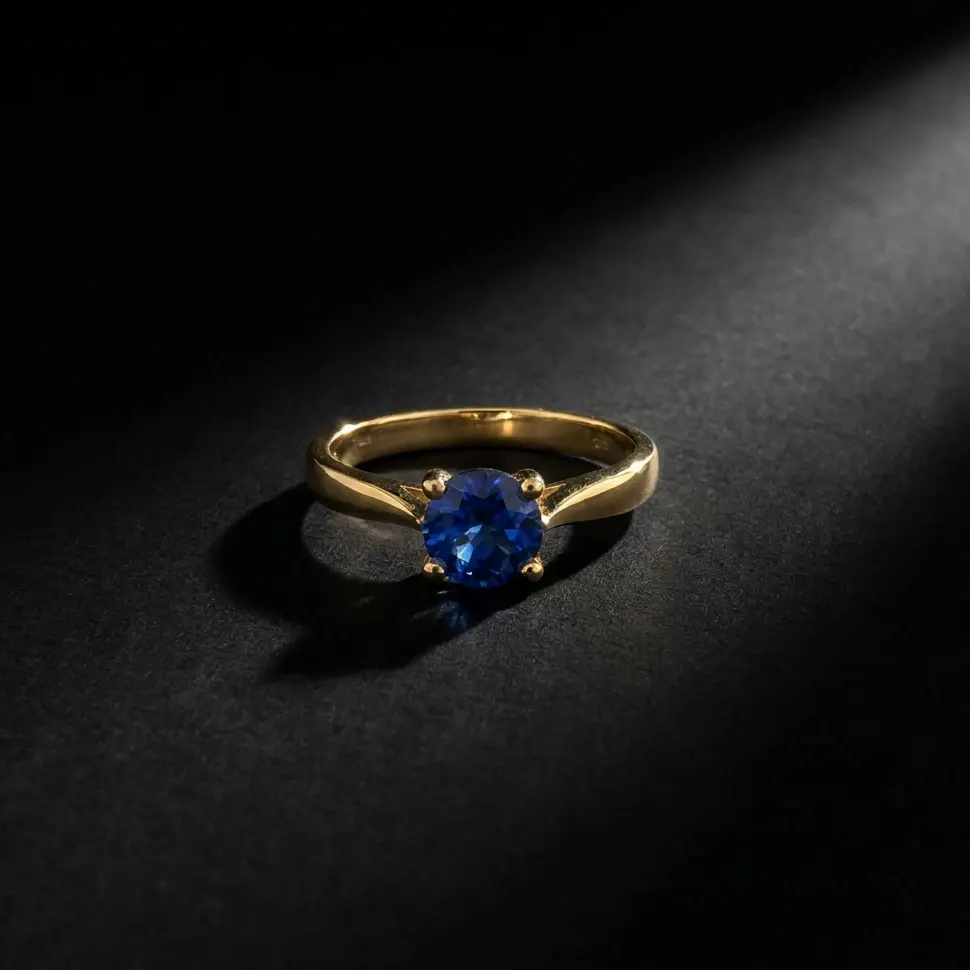 Phone shotLow key
Gold ring · Low key
Show the prompt
Relight this product photo as a professional studio product shot with one hard key light on a black set, deep shadows and a dark background, the product the only bright subject. The key light comes from the right of the camera, raised high and angled down. Add a hard contact shadow right under the product where it touches the surface, grounding it. Replace the background with a black seamless background, and place the product on it as in a studio. Change only the light, shadows, highlights and reflections. Keep the product exactly as it is: its shape, proportions, colours, materials, printed label, logo and every letter of its text. Keep the camera angle and framing. Add no new objects, people, text or watermarks, and show no lights, stands, softboxes or other studio equipment in the frame.
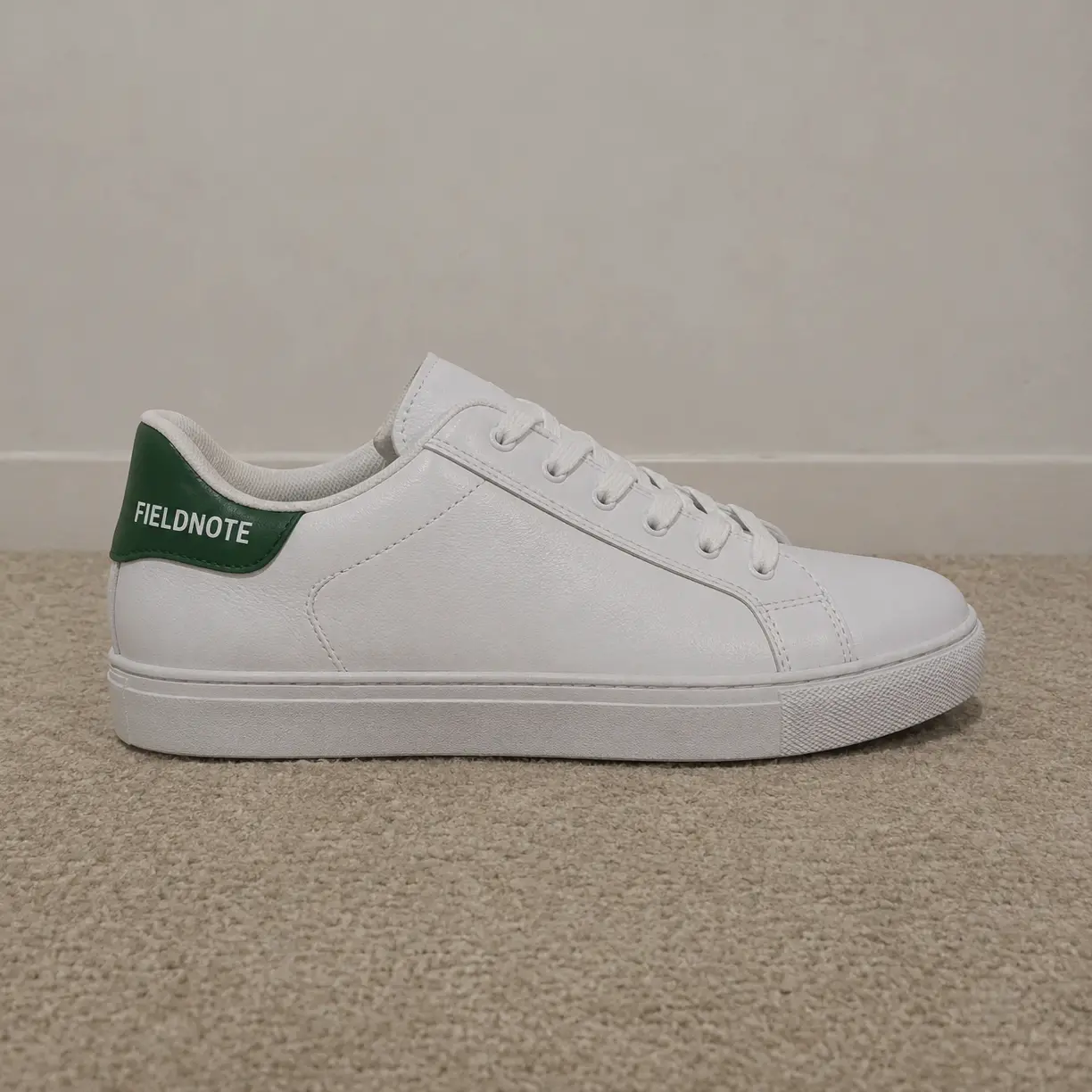
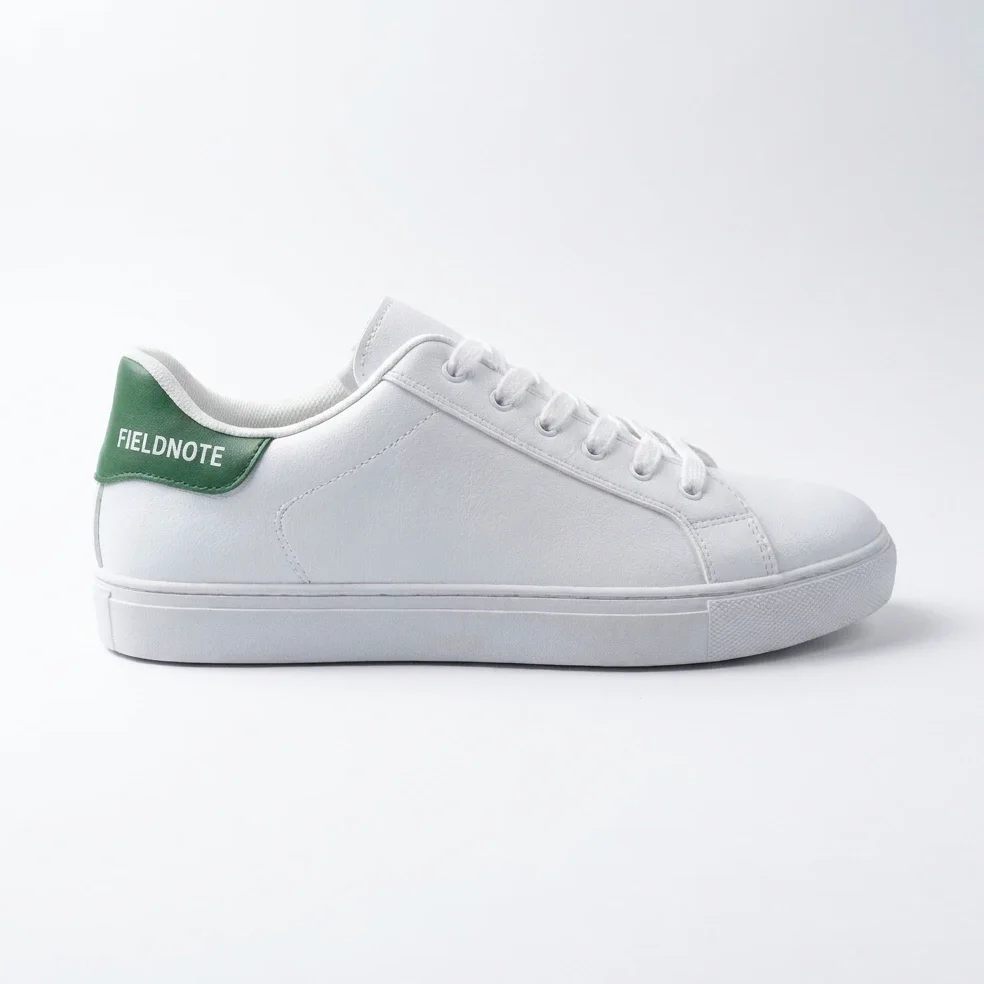 Phone shotWhite sweep
White sneaker · White sweep
Show the prompt
Relight this product photo as a professional studio product shot with bright, even, clean studio light that wraps softly around the product from the front left, with a gentle fill on the other side, the look of a marketplace main image. The key light comes from the left of the camera, raised high and angled down. Add a soft contact shadow right under the product where it touches the surface, grounding it. Replace the background with a seamless pure white paper sweep, and place the product on it as in a studio. Change only the light, shadows, highlights and reflections. Keep the product exactly as it is: its shape, proportions, colours, materials, printed label, logo and every letter of its text. Keep the camera angle and framing. Add no new objects, people, text or watermarks, and show no lights, stands, softboxes or other studio equipment in the frame.
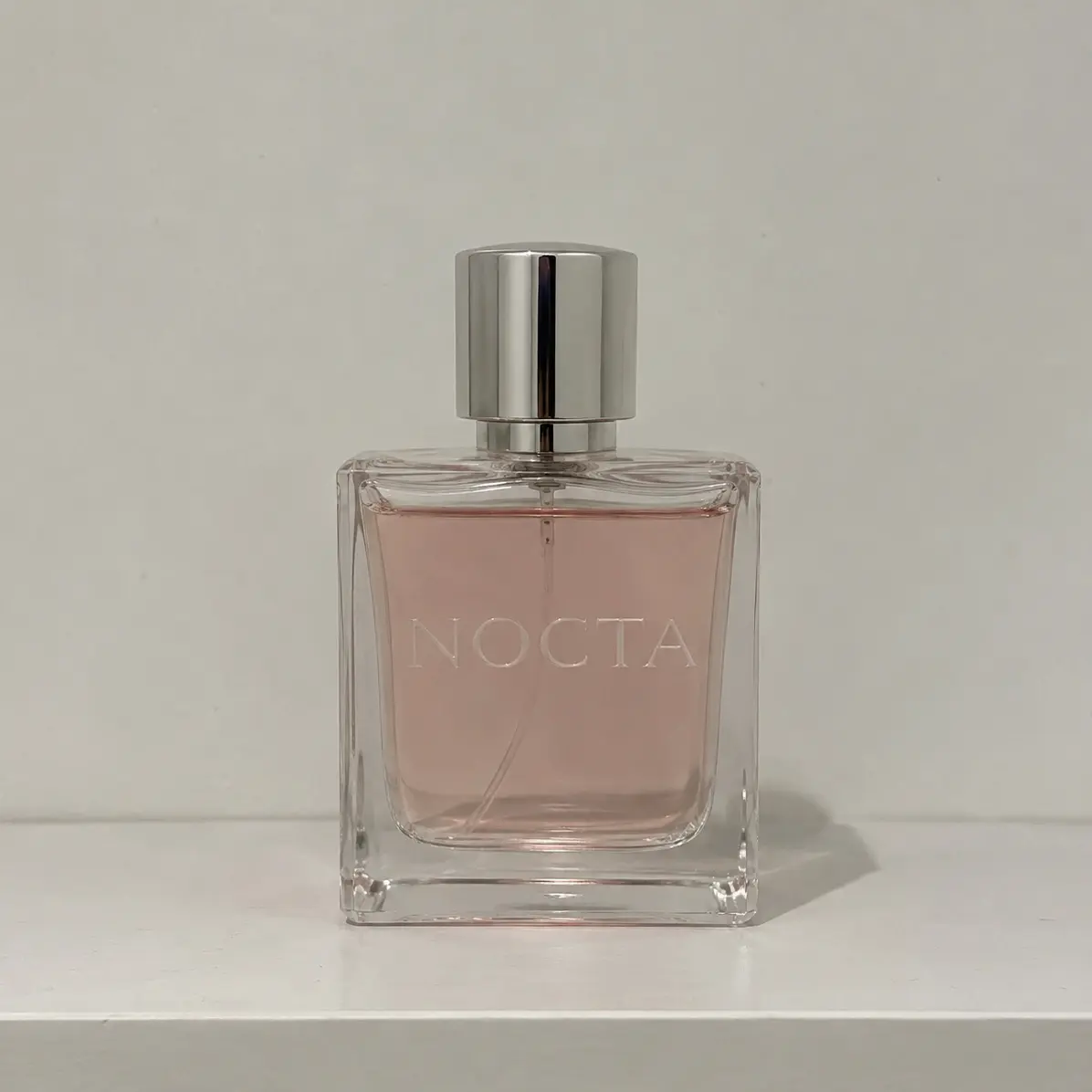
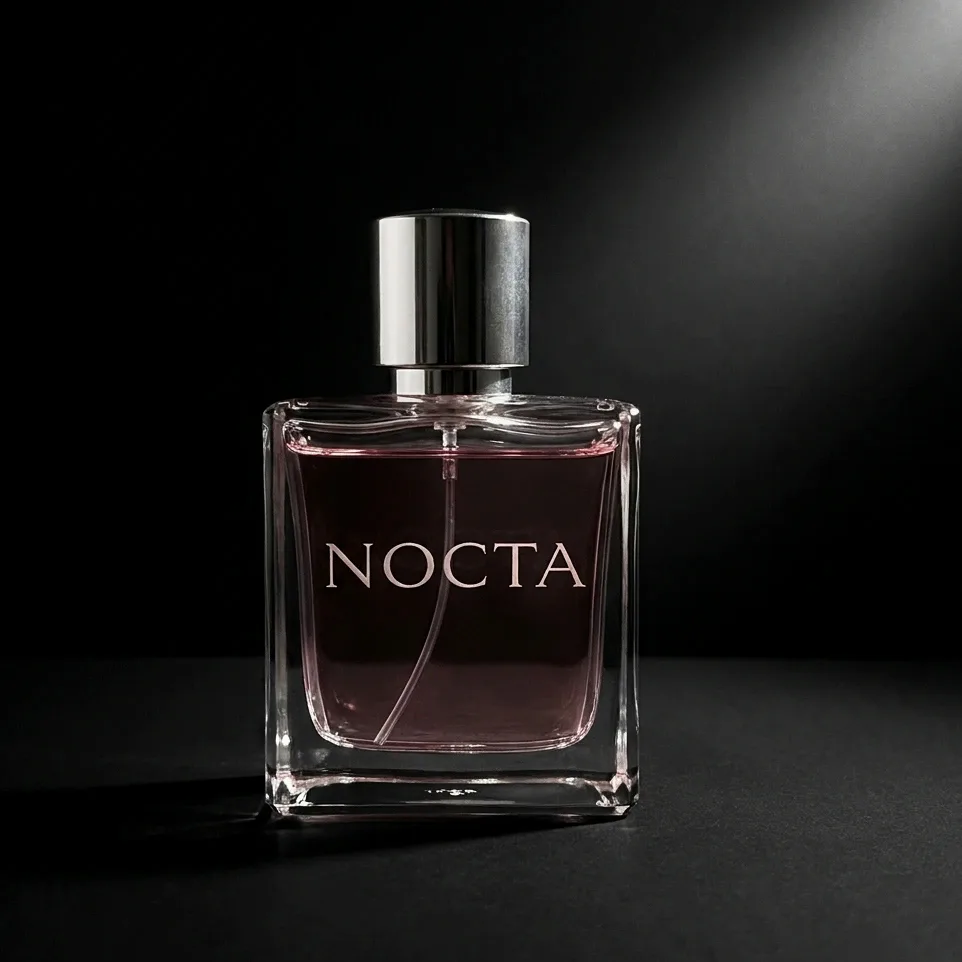 Phone shotLow key
Perfume bottle · Low key
Show the prompt
Relight this product photo as a professional studio product shot with one hard key light on a black set, deep shadows and a dark background, the product the only bright subject. The key light comes from the right of the camera, raised high and angled down. Add a soft contact shadow right under the product where it touches the surface, grounding it. Replace the background with a black seamless background, and place the product on it as in a studio. Change only the light, shadows, highlights and reflections. Keep the product exactly as it is: its shape, proportions, colours, materials, printed label, logo and every letter of its text. Keep the camera angle and framing. Add no new objects, people, text or watermarks, and show no lights, stands, softboxes or other studio equipment in the frame.
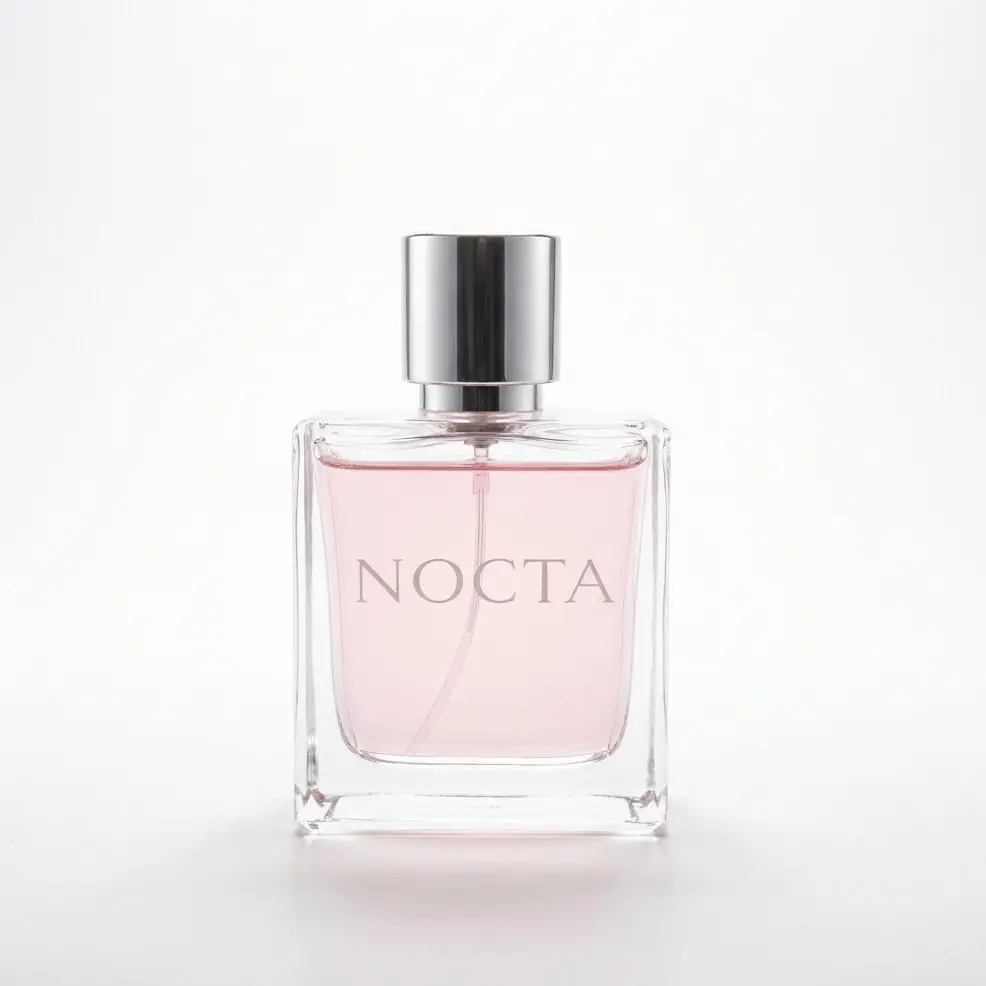 Phone shotHigh key
Perfume bottle · High key
Show the prompt
Relight this product photo as a professional studio product shot with very bright, almost shadowless high-key light that wraps the product evenly from every side, airy and white. The key light comes from the left of the camera, raised high and angled down. Add a soft contact shadow right under the product where it touches the surface, grounding it. Replace the background with a bright white seamless background, and place the product on it as in a studio. Change only the light, shadows, highlights and reflections. Keep the product exactly as it is: its shape, proportions, colours, materials, printed label, logo and every letter of its text. Keep the camera angle and framing. Add no new objects, people, text or watermarks, and show no lights, stands, softboxes or other studio equipment in the frame.
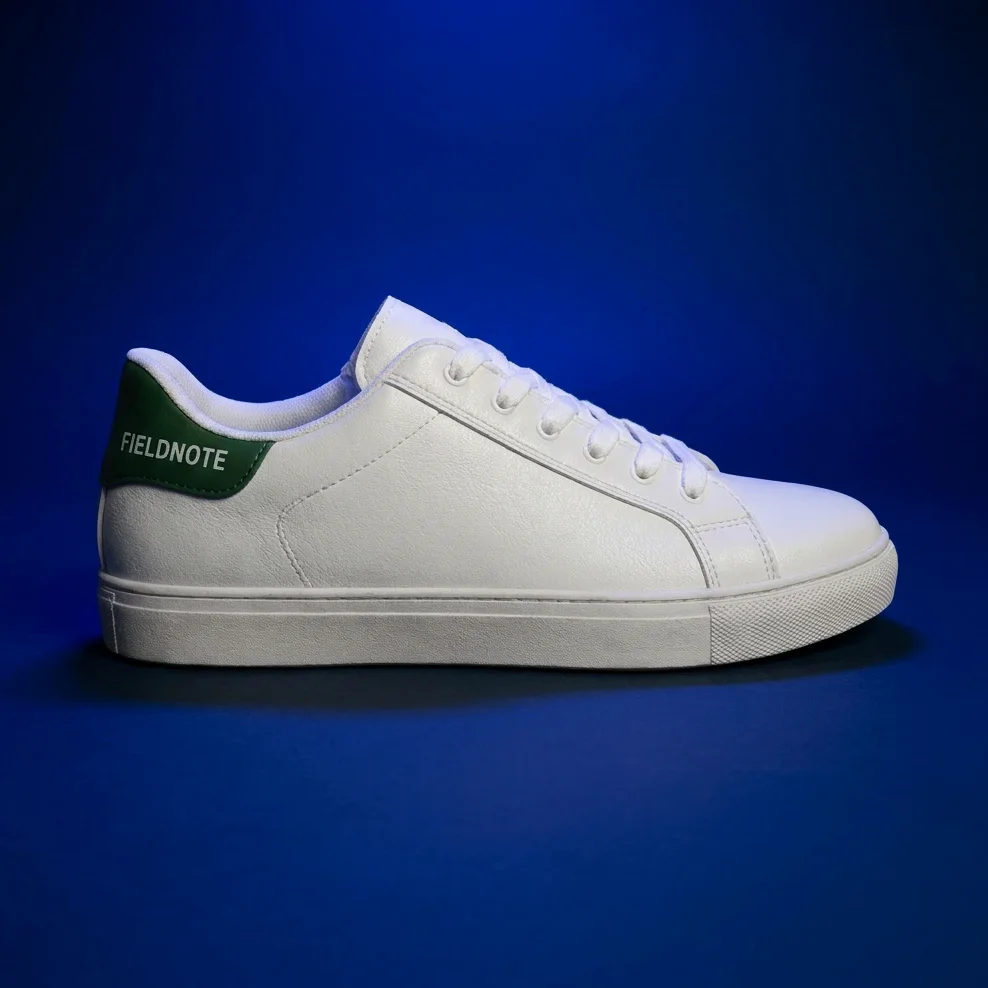 Phone shotColour gel
White sneaker · Colour gel
Show the prompt
Relight this product photo as a professional studio product shot with one deep blue gel light behind the product tinting the background, with a neutral white key on the product itself so its own colours stay true. The key light comes from the right of the camera, at the product’s own height. Add a soft contact shadow right under the product where it touches the surface, grounding it. Replace the background with a seamless background washed in deep blue gel light, and place the product on it as in a studio. Change only the light, shadows, highlights and reflections. Keep the product exactly as it is: its shape, proportions, colours, materials, printed label, logo and every letter of its text. Keep the camera angle and framing. Add no new objects, people, text or watermarks, and show no lights, stands, softboxes or other studio equipment in the frame.
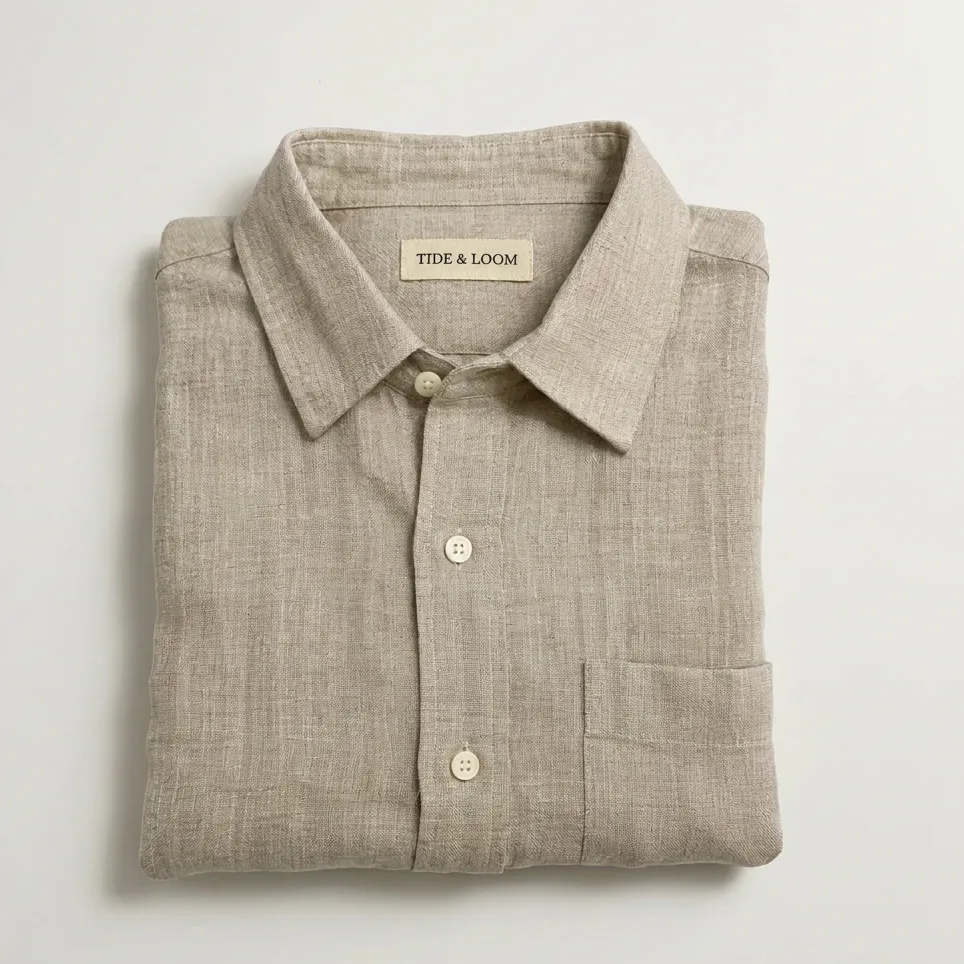 Phone shotTop-down
Linen shirt · Top-down
Show the prompt
Relight this product photo as a professional studio product shot with soft, even overhead light for a flat lay, with very short soft shadows. The key light comes from directly above. Add a soft contact shadow right under the product where it touches the surface, grounding it. Replace the background with a plain matte surface seen from above, and place the product on it as in a studio. Change only the light, shadows, highlights and reflections. Keep the product exactly as it is: its shape, proportions, colours, materials, printed label, logo and every letter of its text. Keep the camera angle and framing. Add no new objects, people, text or watermarks, and show no lights, stands, softboxes or other studio equipment in the frame.
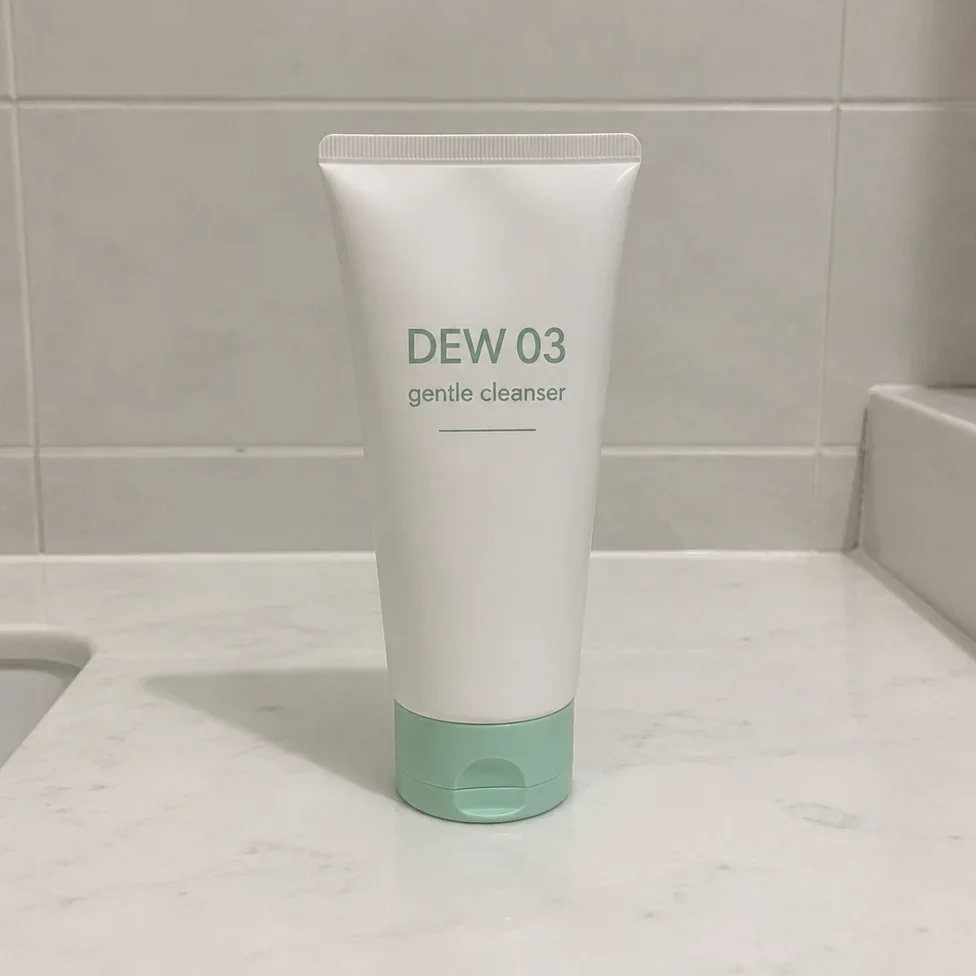
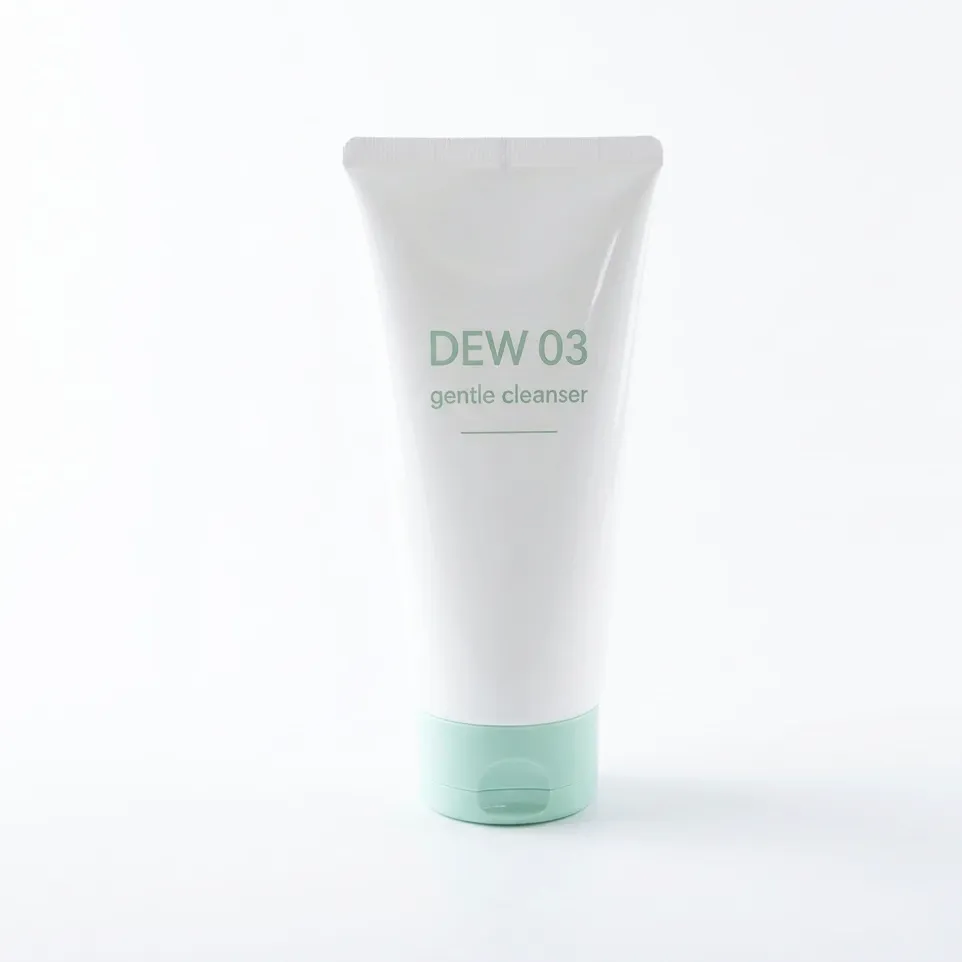 Phone shotHigh key
Skincare tube · High key
Show the prompt
Relight this product photo as a professional studio product shot with very bright, almost shadowless high-key light that wraps the product evenly from every side, airy and white. The key light comes from the left of the camera, raised high and angled down. Add a soft contact shadow right under the product where it touches the surface, grounding it. Replace the background with a bright white seamless background, and place the product on it as in a studio. Change only the light, shadows, highlights and reflections. Keep the product exactly as it is: its shape, proportions, colours, materials, printed label, logo and every letter of its text. Keep the camera angle and framing. Add no new objects, people, text or watermarks, and show no lights, stands, softboxes or other studio equipment in the frame.
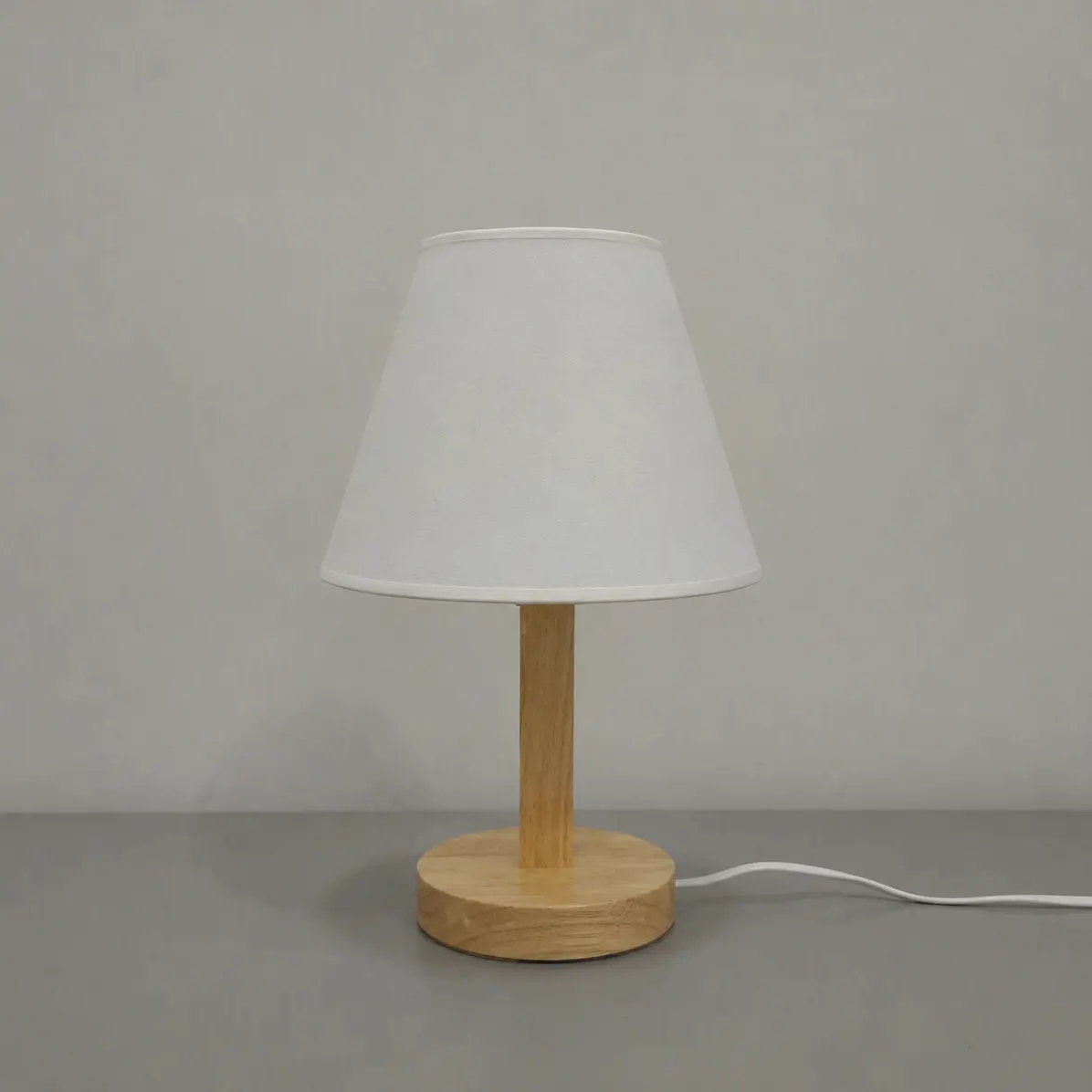
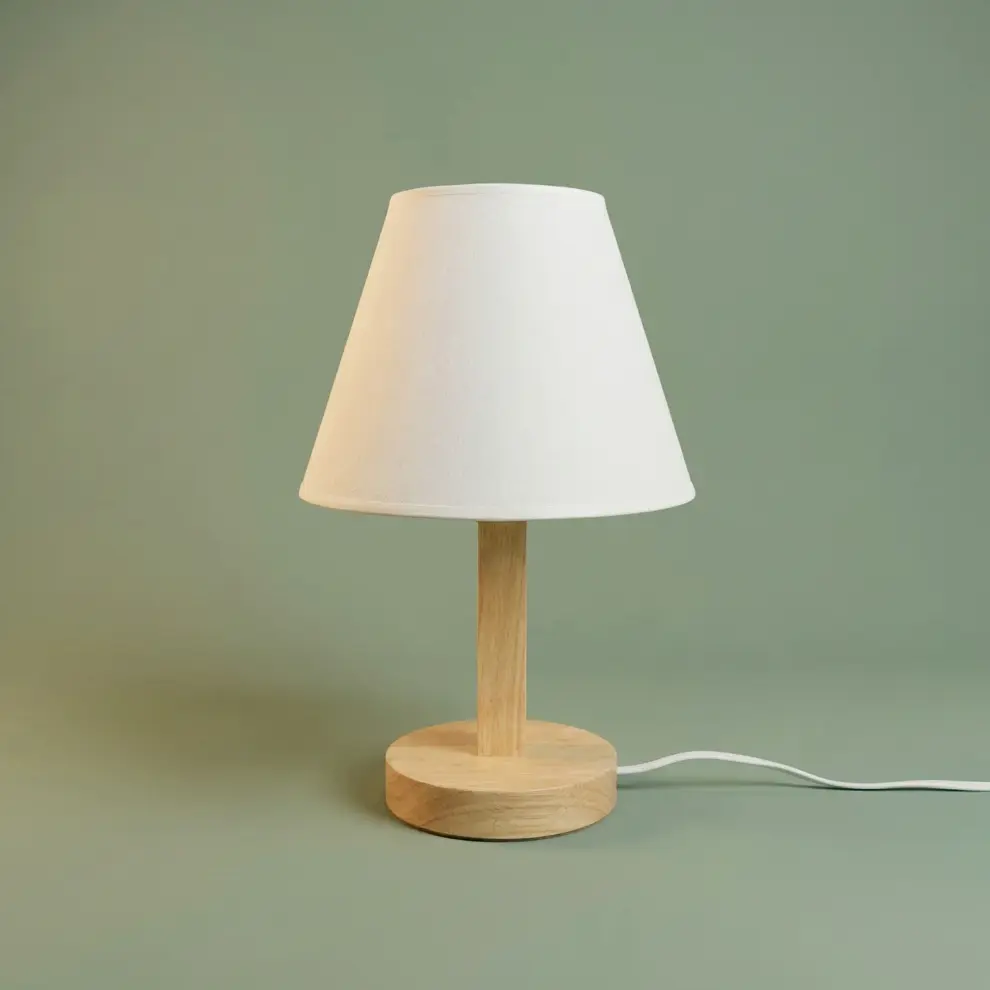 Phone shotKey light 45°
Desk lamp · Key light 45°
Show the prompt
Relight this product photo as a professional studio product shot with a classic product key light at 45 degrees with a gentle falloff across the product and a low fill on the shadow side. The key light comes from the left of the camera, at the product’s own height. Add a soft contact shadow right under the product where it touches the surface, grounding it. Replace the background with a seamless muted sage green paper sweep, and place the product on it as in a studio. Change only the light, shadows, highlights and reflections. Keep the product exactly as it is: its shape, proportions, colours, materials, printed label, logo and every letter of its text. Keep the camera angle and framing. Add no new objects, people, text or watermarks, and show no lights, stands, softboxes or other studio equipment in the frame.
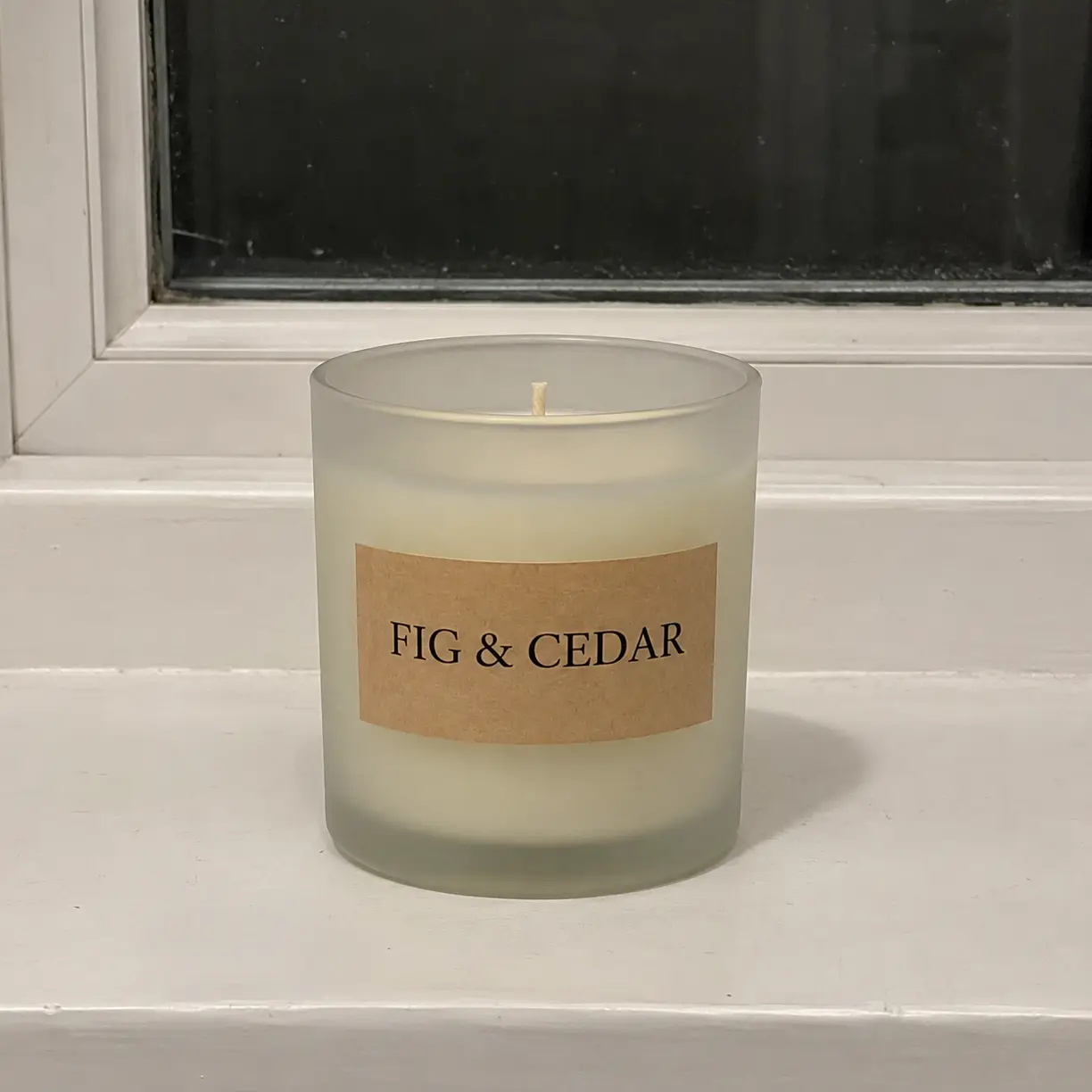
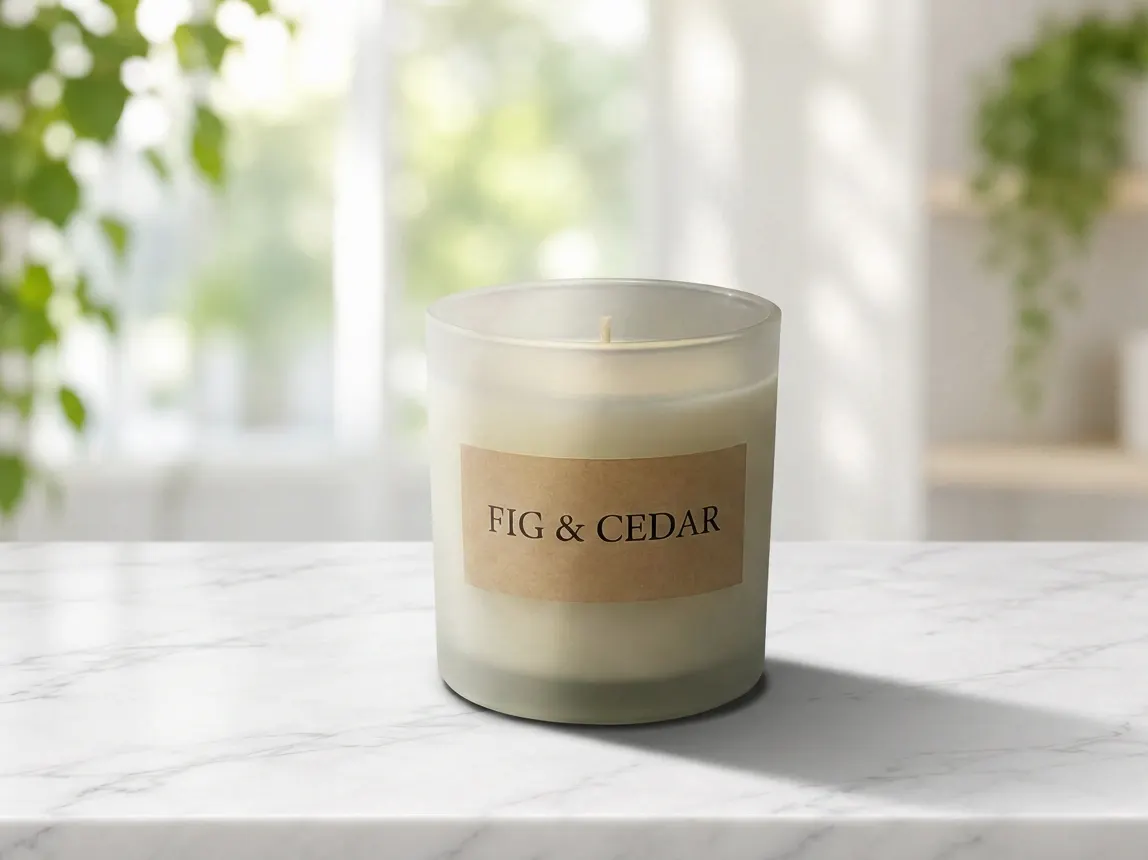 Phone shotWindow light
Jar candle · Window light
Show the prompt
Relight this product photo as a professional studio product shot with soft natural daylight from a large window on one side, falling off gently across the product, with a soft shadow. The key light comes from the left of the camera, at the product’s own height. Add a soft contact shadow right under the product where it touches the surface, grounding it. The second image is the backdrop (a white marble counter top). Place the product from the first image on that backdrop at a natural scale, standing on its surface, and light both together. Change only the light, shadows, highlights and reflections. Keep the product exactly as it is: its shape, proportions, colours, materials, printed label, logo and every letter of its text. Keep the camera angle and framing. Add no new objects, people, text or watermarks, and show no lights, stands, softboxes or other studio equipment in the frame.
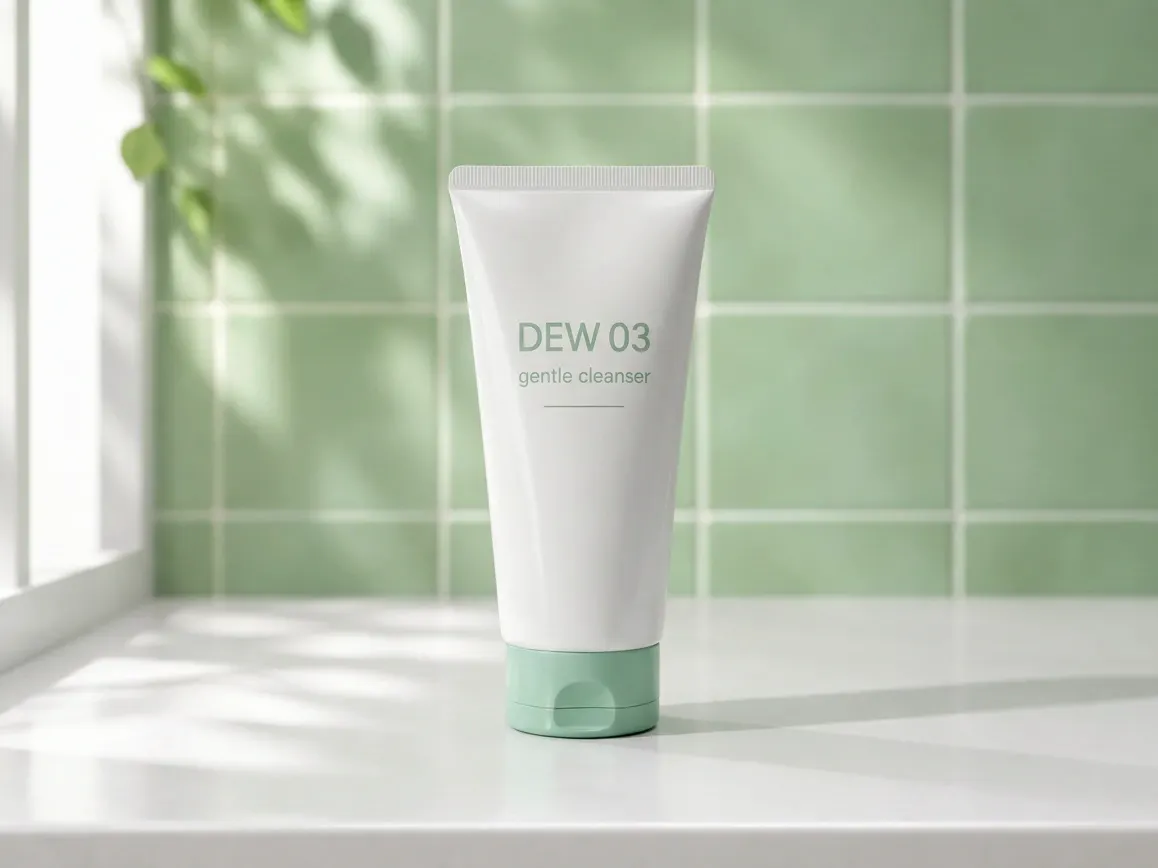 Phone shotWindow light
Skincare tube · Window light
Show the prompt
Relight this product photo as a professional studio product shot with soft natural daylight from a large window on one side, falling off gently across the product, with a soft shadow. The key light comes from the left of the camera, at the product’s own height. Add a soft contact shadow right under the product where it touches the surface, grounding it. The second image is the backdrop (a bathroom shelf with soft tiles behind). Place the product from the first image on that backdrop at a natural scale, standing on its surface, and light both together. Change only the light, shadows, highlights and reflections. Keep the product exactly as it is: its shape, proportions, colours, materials, printed label, logo and every letter of its text. Keep the camera angle and framing. Add no new objects, people, text or watermarks, and show no lights, stands, softboxes or other studio equipment in the frame.
How it works
How to relight product photos with AI
Three steps for one photo or ten.
- 01
Add your product photos
Drop up to 10 phone shots. HEIC and big files are converted in your browser; photos are stored privately in your account.
- 02
Pick the setup, shadow and background
Choose one of eight studio setups, move the key light if you like, then a contact or cast shadow and a background. The credit total shows before you start.
- 03
Check and export
Compare each result, see the colour restore and label check, then download a white square, 4:5, transparent PNG or the whole batch as a ZIP.
Models
Which model relights your product
You choose the model. Credits per photo are fixed by model and output size.
| Model | Good for | 1K | 2K | 4K |
|---|---|---|---|---|
| Nano Banana Pro | Default: keeps products and labels best; runs photos with people | 117 | 117 | 151 |
| GPT Image 2 | Product-only photos at a lower price | 48 | 71 | 105 |
Free accounts export at 1K; every plan and the credit pack unlock 2K and 4K. A relight that does not finish costs nothing.
Pricing
Plans for a shop of any size
Monthly or yearly plans for regular listings, or one credit pack for a single shoot. Your first 48 free credits cover one GPT Image 2 relight at 1K.
Cancel anytime · 21-day money-back guarantee
Bounce Card
3,540 credits a month, about 30 relights at 2K
$13.89/month
3,540 credits a month
- ≈ 30 Nano Banana Pro relights
- ≈ 73 GPT Image 2 relights
- 2K and 4K output
- API keys and MCP from scripts
Light Tent
Most popular7,050 credits a month, about 60 relights at 2K
$26.89/month
7,050 credits a month
- ≈ 60 Nano Banana Pro relights
- ≈ 146 GPT Image 2 relights
- 2K and 4K output
- API keys and MCP from scripts
Cyc Wall
Best value15,350 credits a month, about 131 relights at 2K
$56.89/month
15,350 credits a month
- ≈ 131 Nano Banana Pro relights
- ≈ 319 GPT Image 2 relights
- 2K and 4K output
- API keys and MCP from scripts
Bounce Card
3,540 credits a month, about 30 relights at 2K
$13.89$11.54/month
Billed yearly at $138.50
3,540 credits a month
- ≈ 30 Nano Banana Pro relights
- ≈ 73 GPT Image 2 relights
- 2K and 4K output
- API keys and MCP from scripts
Light Tent
Most popular7,050 credits a month, about 60 relights at 2K
$26.89$22.41/month
Billed yearly at $268.90
7,050 credits a month
- ≈ 60 Nano Banana Pro relights
- ≈ 146 GPT Image 2 relights
- 2K and 4K output
- API keys and MCP from scripts
Cyc Wall
Best value15,350 credits a month, about 131 relights at 2K
$56.89$47.41/month
Billed yearly at $568.90
15,350 credits a month
- ≈ 131 Nano Banana Pro relights
- ≈ 319 GPT Image 2 relights
- 2K and 4K output
- API keys and MCP from scripts
Strobe Pack
Credits for one big shoot, no subscription, never expire
7,420credits
$37.89 one-time
Up to 63 relights at 2K
- ≈ 63 Nano Banana Pro relights
- ≈ 154 GPT Image 2 relights
- Two photos relit at a time
- 2K and 4K output
- API keys and MCP from scripts
48 free credits land once your email is confirmed. That pays for one GPT Image 2 relight at 1K, and no card is asked for. One grant per mailbox. They never expire.
Questions about relighting product photos
Will relighting change my product's colour?
AI models often shift colours a little. After each render your browser restores the product's original colour inside its cut-out and keeps the new light and shadows; the swatch shows original, AI and restored. Colour gels and strong warm light change how colours look on purpose, and glass, chrome and mirrors are approximate. "Undo colour restore" shows the raw output.
Can AI change a logo or label on my product?
Yes, it can redraw small text. The label check compares the printed area with your original and marks a result "Label changed: check before you list it" with a side-by-side zoom. It flags; it does not repair, so run that photo again or use the original.
How do I light product photos without a studio?
Shoot the whole product, sharp, in daylight, then upload it here and pick a studio setup such as white sweep or window light. Set the key light's side and height and the shadow, and the photo comes back lit as on a real set.
Can I add a realistic shadow to a product photo?
Yes. Choose a contact shadow under the product or a cast shadow away from the key light, soft or hard. The product and its surface are relit together, so the shadow matches the light.
What is a packshot, and what size do Amazon and Etsy want?
A packshot is a plain, evenly lit studio image of the product alone. Amazon main images are square on pure white; Etsy shows 4:5 in many places. The studio exports 1:1 white, 4:5, a Shopify square and transparent PNG for free in your browser.
Can I put my product on a new background?
Yes. Use the setup's sweep, a plain colour (white, grey, sand, sage, blush or black), one of our scenes (marble, oak, linen, concrete, kitchen counter, bathroom shelf) or a backdrop photo of your own. The product is relit to match, with a contact shadow.
Can I relight a batch of photos the same way?
Yes, up to 10 photos on one setup. The total is shown before you start (for example 10 photos on Nano Banana Pro at 2K come to 1,170 credits), batches above 300 credits ask you to confirm, and the whole set downloads as one ZIP.
Can I relight photos with people in them?
Yes, for example a hand or a model holding the product, if the photo is yours or you have the person's permission; you confirm it in a consent box the server checks before the charge. Minors and public figures are refused, and photos with a person run on Nano Banana Pro only.
Is this the Relight AI app?
No. relightai.net is an independent web tool. It is not the Relight AI app or Luminar Neo's Relight AI.
Do you relight video, and is this IC-Light?
No to both. relightai.net relights still photos only, with the models named below; it does not run IC-Light.
Which AI models do you use?
Photos are relit with Nano Banana Pro (Google), the default, or GPT Image 2 (OpenAI) for photos without a person. relightai.net is independent and not affiliated with these companies.
Is it free to try?
Confirm your email and 48 credits arrive once, enough for one GPT Image 2 relight at 1K (48 credits) of a photo without a person. One grant per mailbox, device and network; no daily credits. Crops and exports are always free.
Can I cancel or get a refund?
Cancel any time under Billing; the plan runs to the end of the paid period. A first purchase can be refunded within its window if no more than 10% of its credits were used, pro rata for the unused share. Failed relights refund their credits automatically. Details are in the Refund Policy.
Updated
Got products shot on a kitchen table?
Upload them, pick a setup, and list them under studio light.